Junior Skills Challenge - how to view leaderboard results
1. Navigate to https://www.scottishjuniorgolf.org/

2. Click "MENU"

3. Click "Login"

4. Click "CLUB LOGIN"

5. Click this text field.
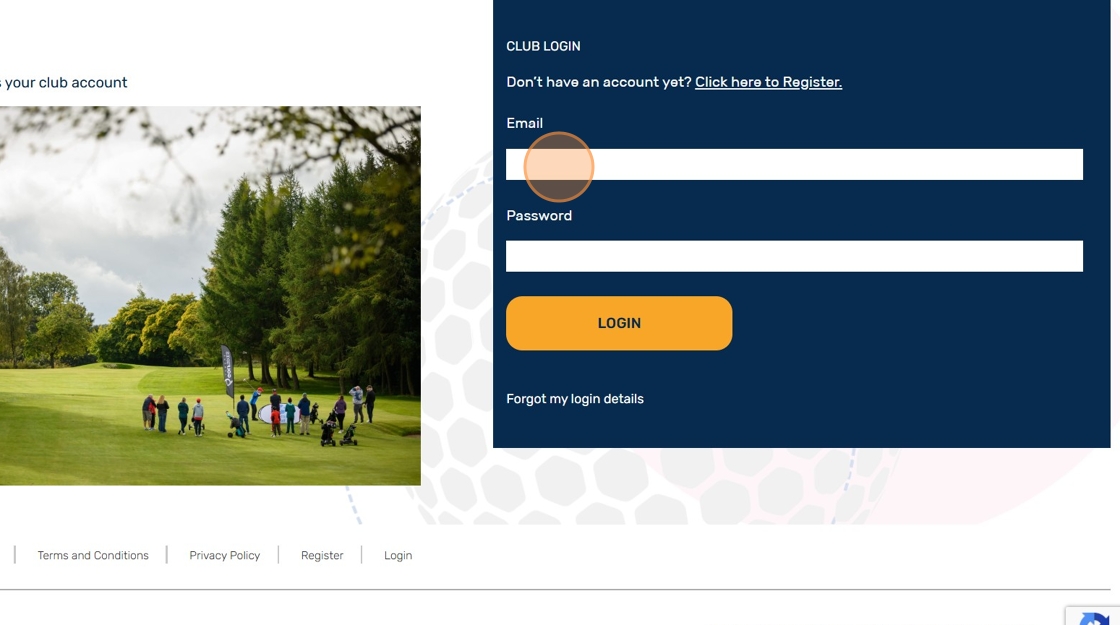
6. Click "Login"

7. Click "Skills Challenge"

8. Click "View Results"

9. Select "Age Group" & "Gender" as compulsory fields to view each leaderboard

10. "Local Authority" & "Club Name" are to optional fields to apply further filters

11. Click "Filter" to generate the selected leaderboard

Related Articles
Junior Skills Challenge - results bulk upload via csv.
1. Navigate to https://www.scottishjuniorgolf.org/ 2. Click "MENU" 3. Click "Login" 4. Click "CLUB LOGIN" 5. Enter your club account email and password credentials and click "LOGIN" 6. Click "Skills Challenge" 7. Click "Manage Players & Upload ...Junior Events & Competitions
Scottish Golf's Events & Competition programmes encourage a fun, relaxed and competitive team-based environment for juniors developing their game. Delivered with partners, our three Events & Competition programmes support progression to on-course ...GolfSixes League - how to view live leaderboards
1. Navigate to www.scottishjuniorgolf.org 2. Click "MENU" 3. Click "Events & Competitions" 4. Scroll down and click "Find out more" 5. Select which local league table you would like to view from the dropdown menuCGI Accessing Instructor Resources on Scottish Junior Golf Website
1. Navigate to https://www.scottishjuniorgolf.org/ 2. Click here. 3. Click "Login" 4. Click Coach & CGI Login 5. Enter your email & password and click login 6. Click "VISIT RESOURCE CENTRE" 7. Click the eye icon to quick-view any resource booklet 8. ...Manage players in Junior Golf Site - adding player information individually
1. Navigate to https://www.scottishjuniorgolf.org/ 2. Click here. 3. Click "Login" 4. Click here. 5. Click this text field. 6. Click "Login" 7. Click "update now" 8. Click the 'Player Name' box and enter the name of your player. 9. Click the date ...