Member Top Up - Android Device
1\. Open up your Scottish Golf App and click on the 3 lines at the top of your screen

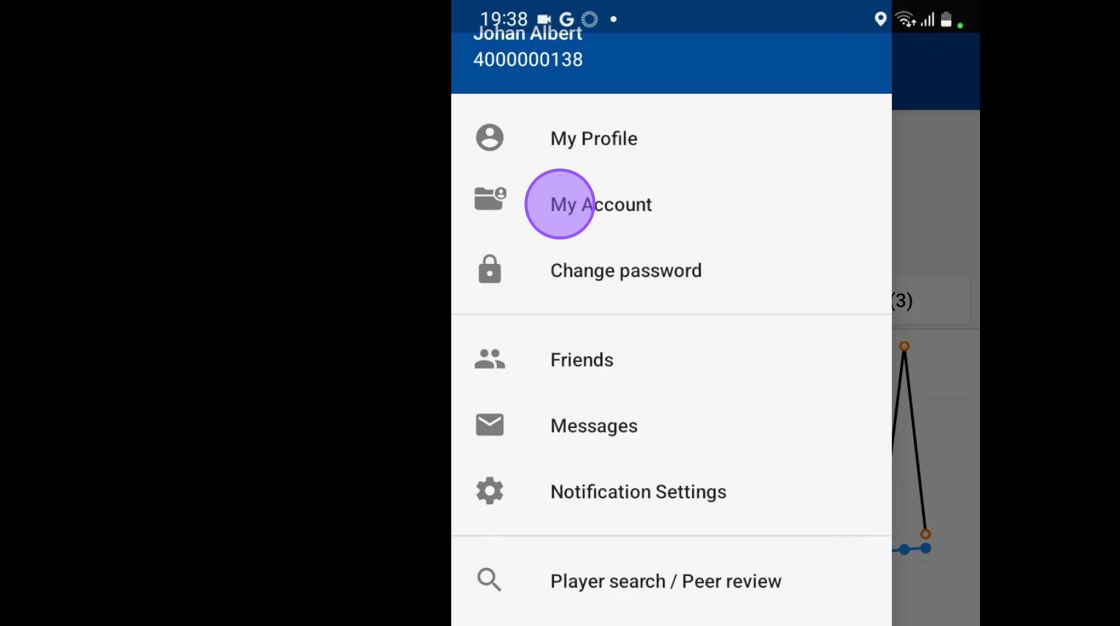
2\. Click "My Account"
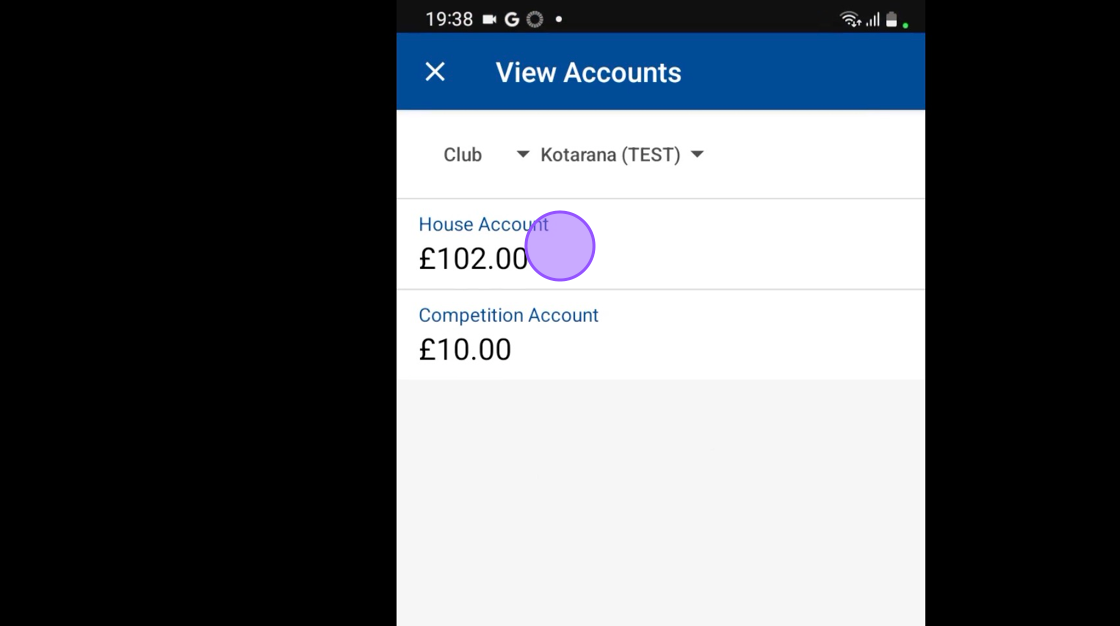
3\. You'll then see your various club accounts, and be able to search through your other club profiles. Click on an account to proceed.
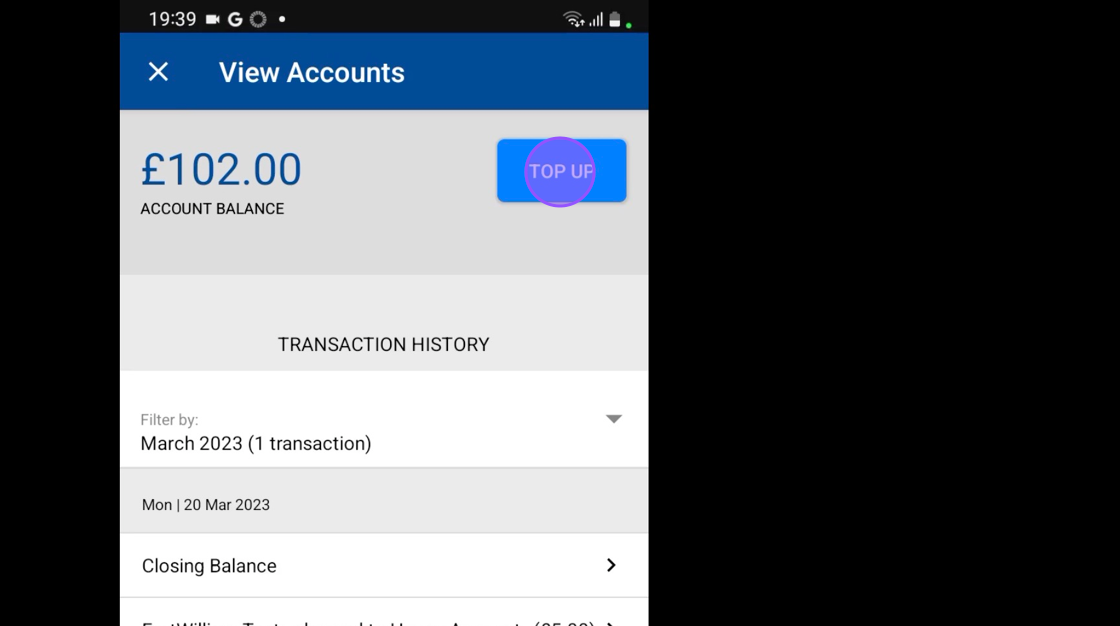
4\. To proceed with the top up, click on the "Top Up" option
5\. Click here to enter your top up amount

6\. Click here to continue with the process and to enter your card details
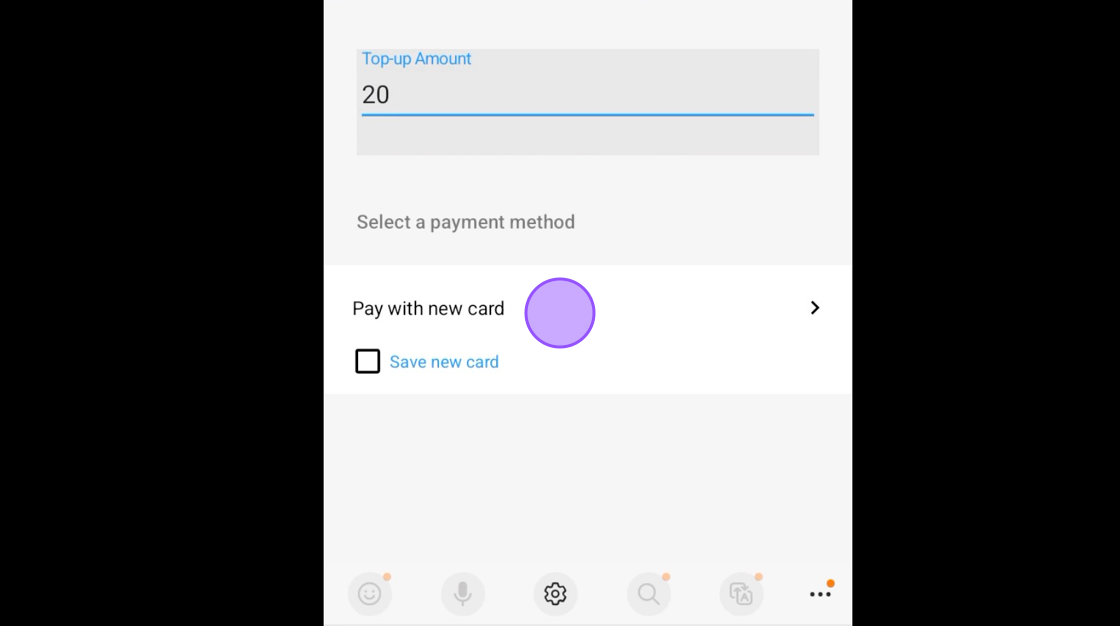
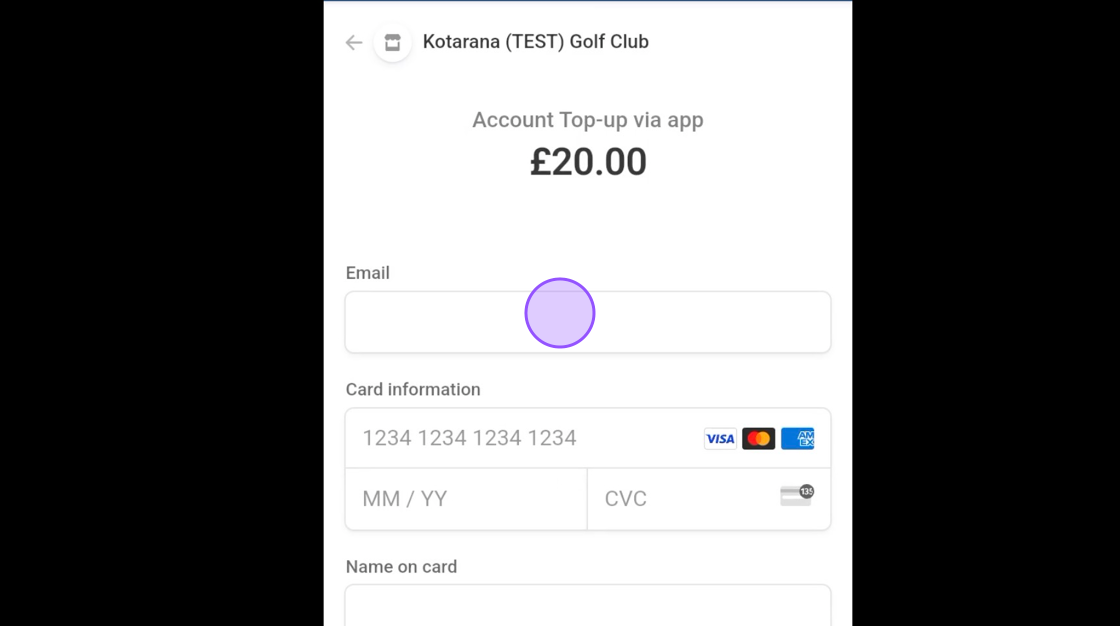
7\. Complete your top up by entering your card details and making payment.