How to Set Up Subscription Payments From Your Scottish Golf Members Account
How to Set Up Subscription Payments From Your Scottish Golf Members Account
This guide will walk you through the process of making a payment on an account, specifically detailing the steps to navigate to the payment section and complete a transaction. Follow along to ensure a smooth payment process.
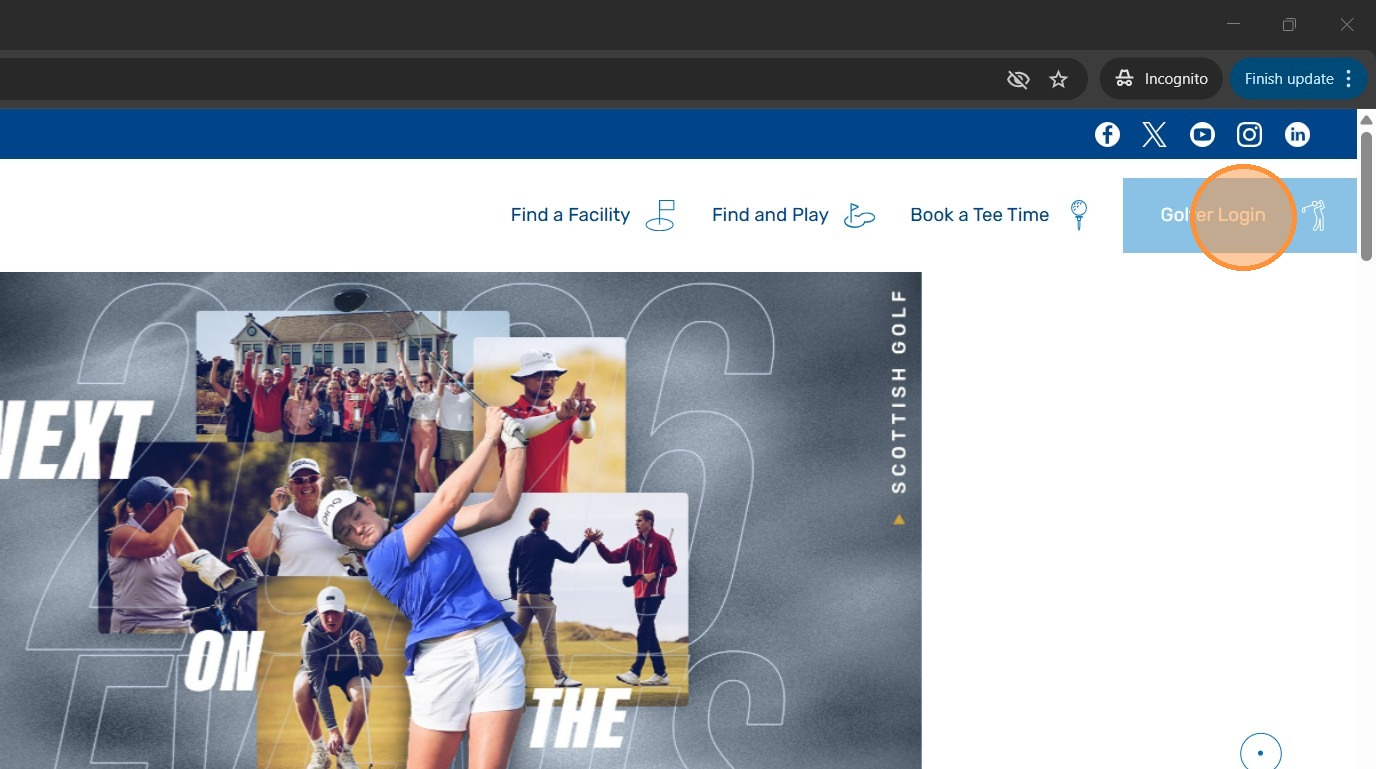
1. Open Scottish Golf Website - https://www.scottishgolf.org/ and Click "Golfer Login"
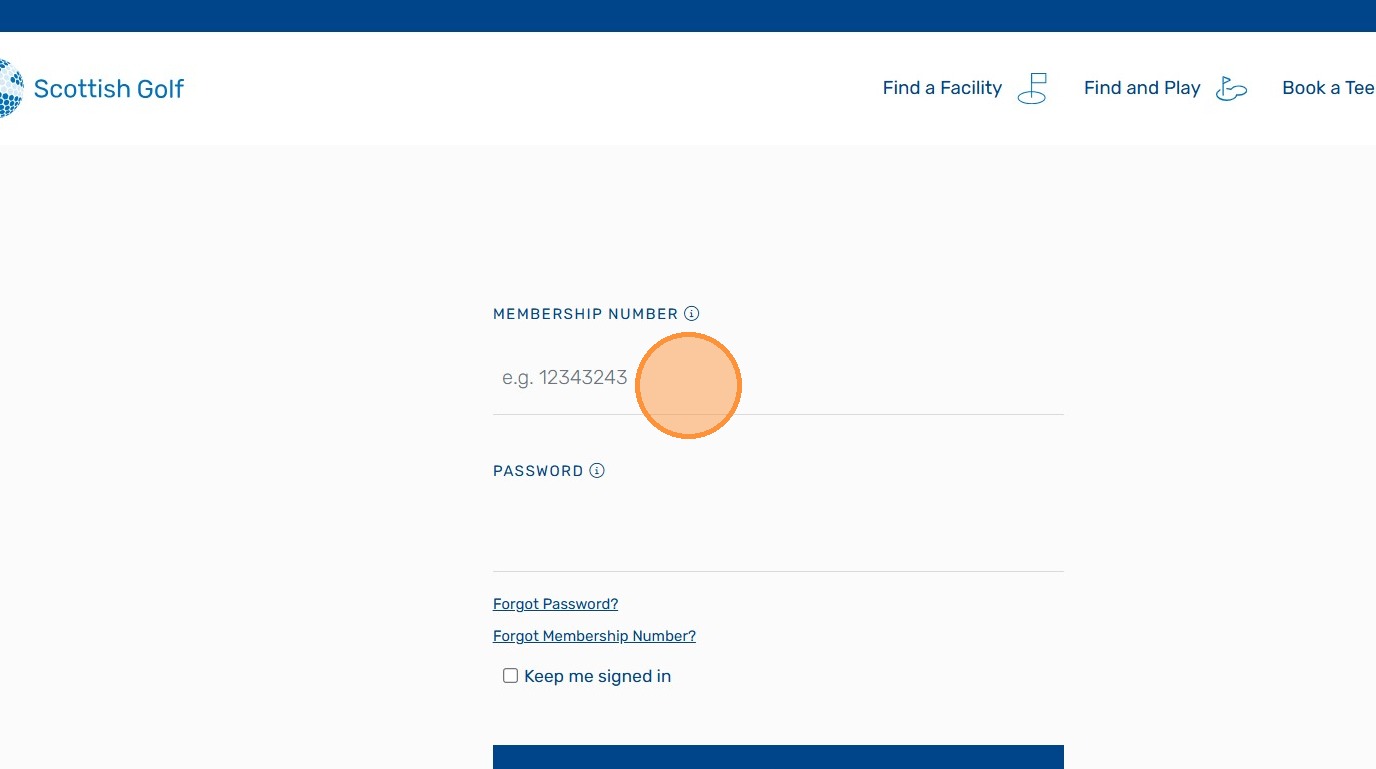
2. Enter your membership Number and Password - These are the same as your Scottish Golf APP Login details
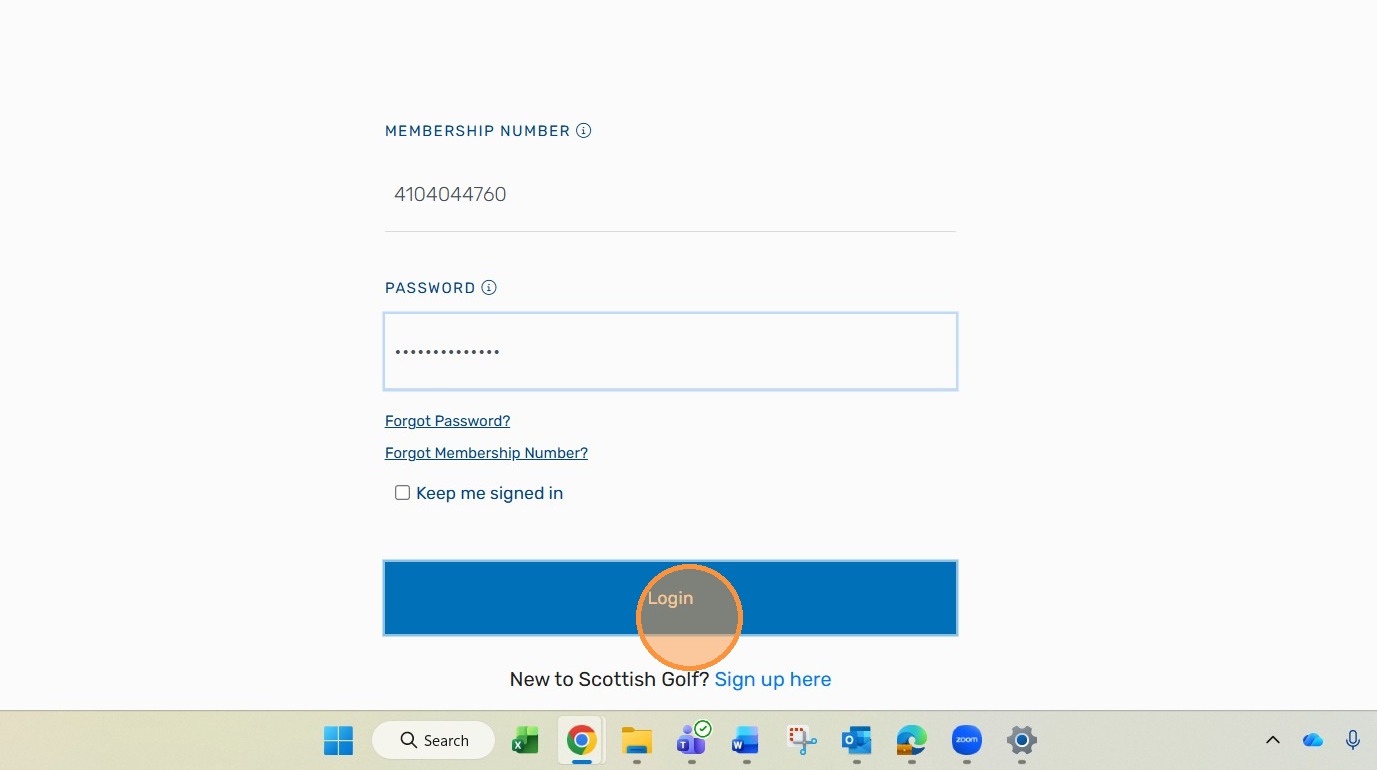
3. Click "Login"
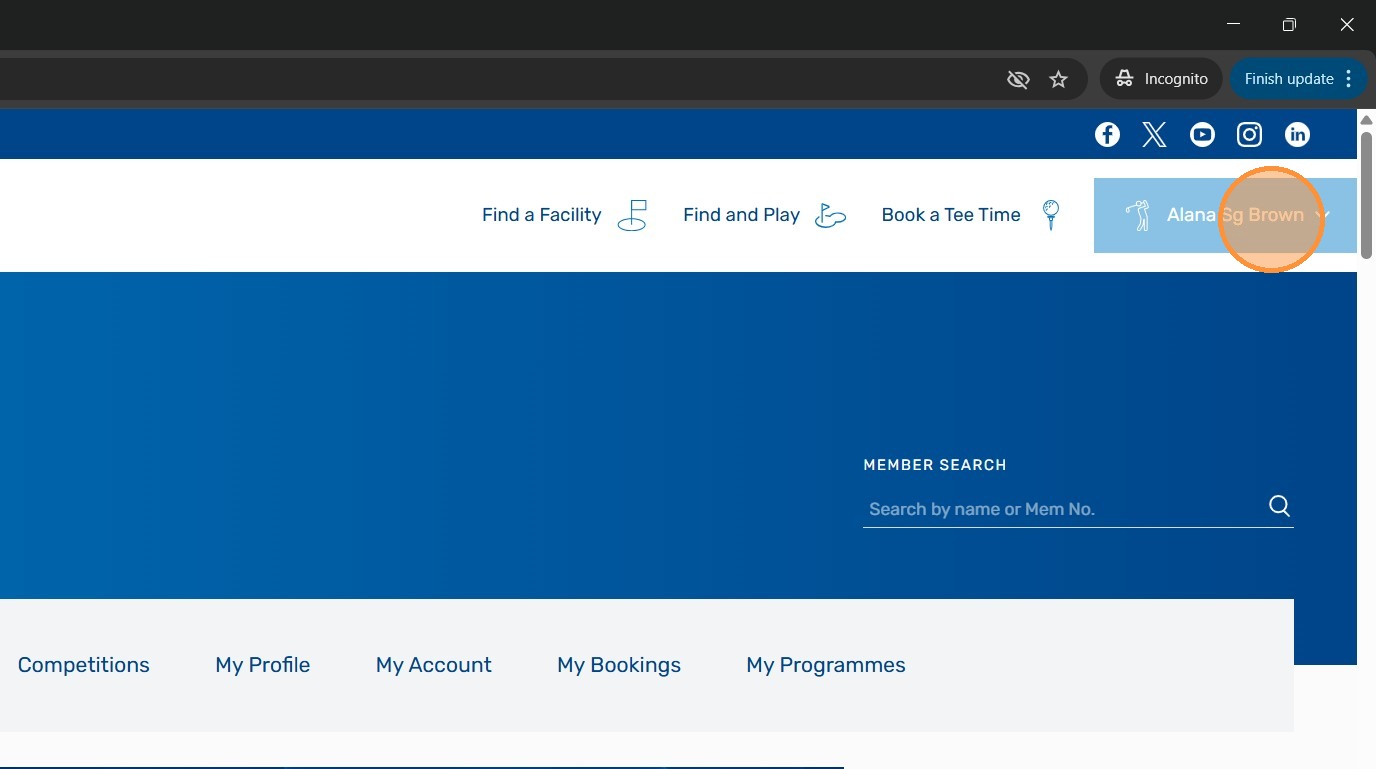
4. You will be in your Scottish Golf Members Account. To access your Subscription Invoice Click your name.
5. From the dropdown menu Click "My Account"
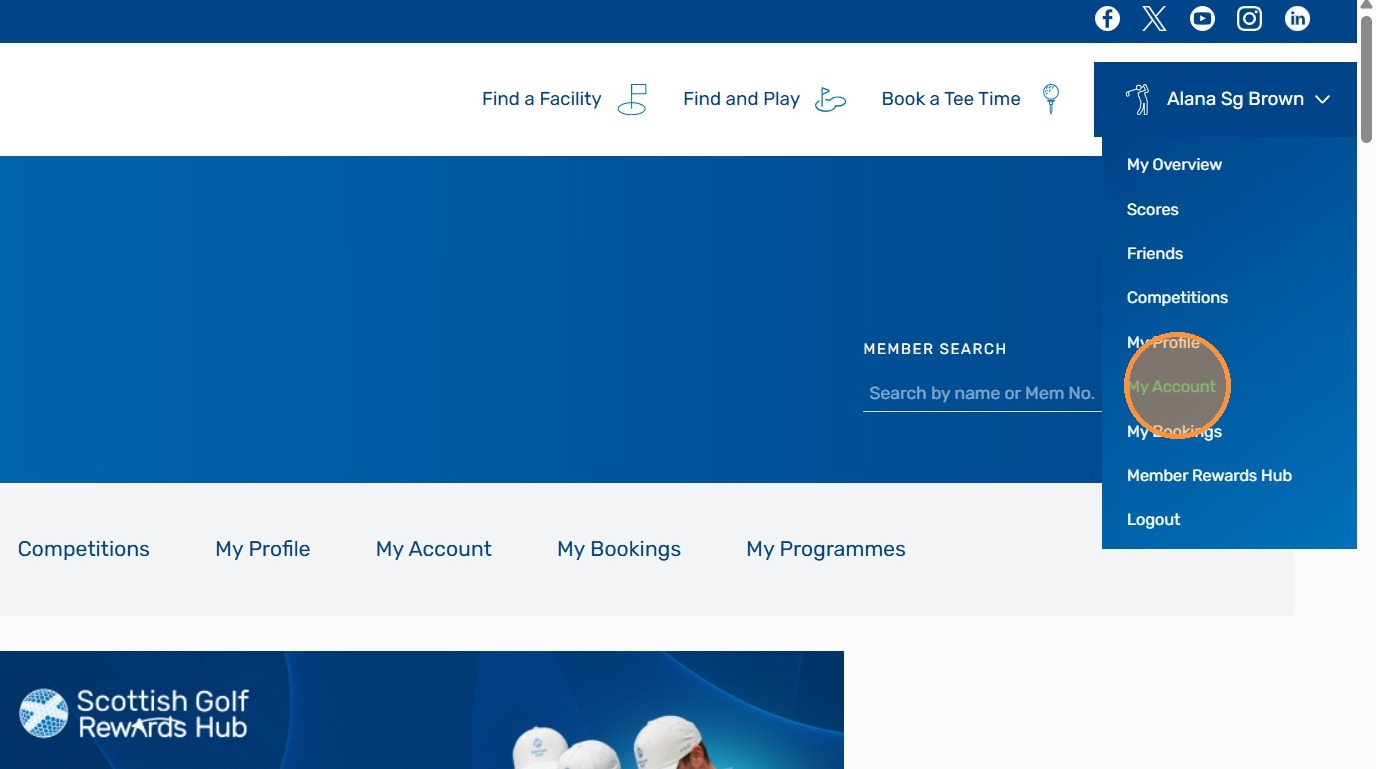
6. If you are member of more than one club your home club will be the default. To change to your home club Click here
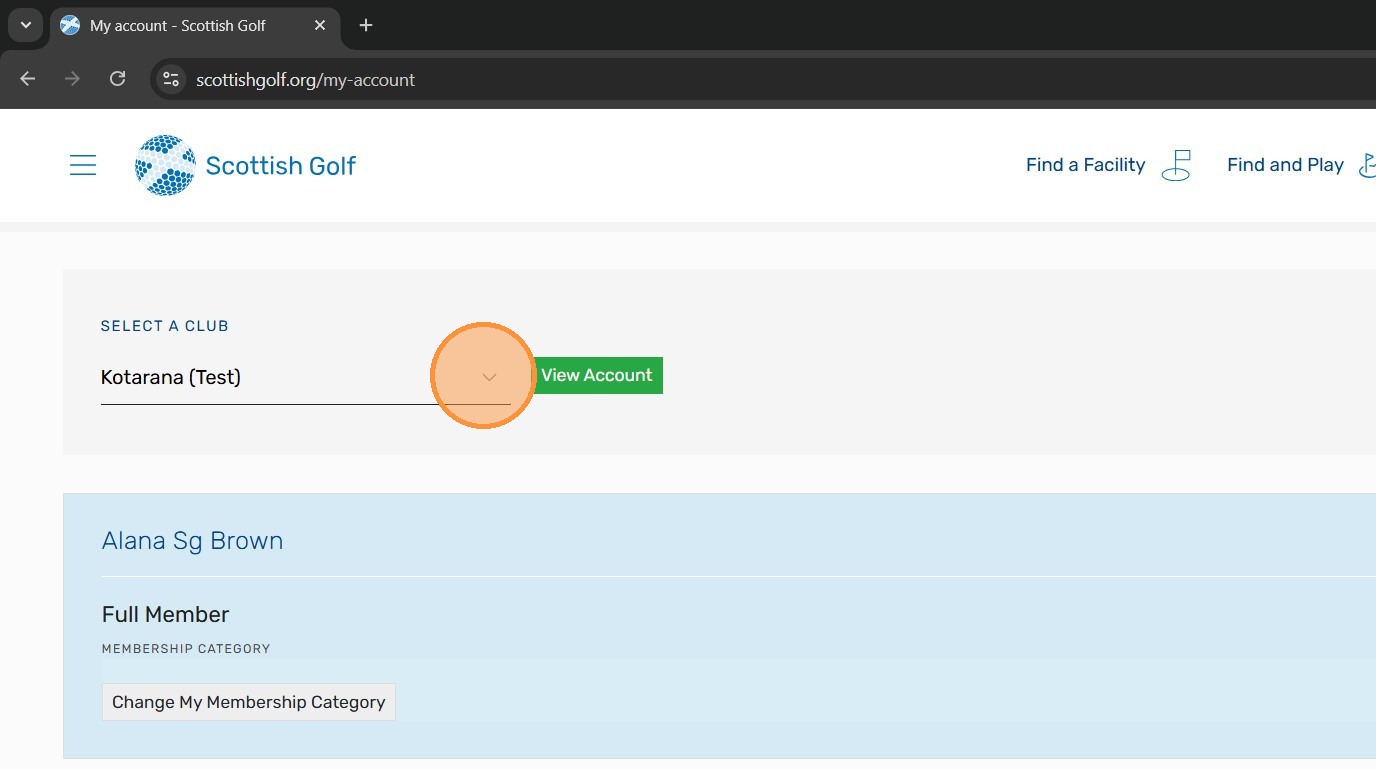
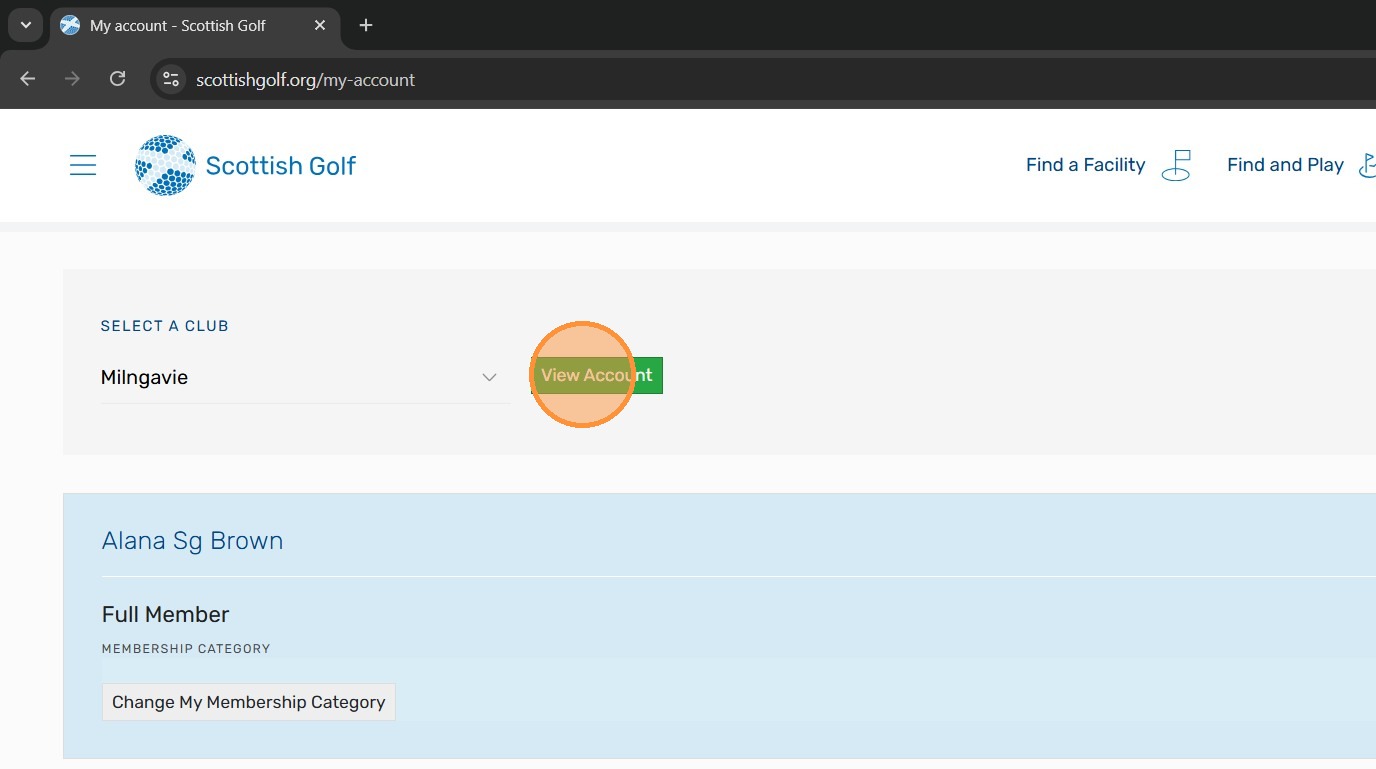
7. Click "View Account"
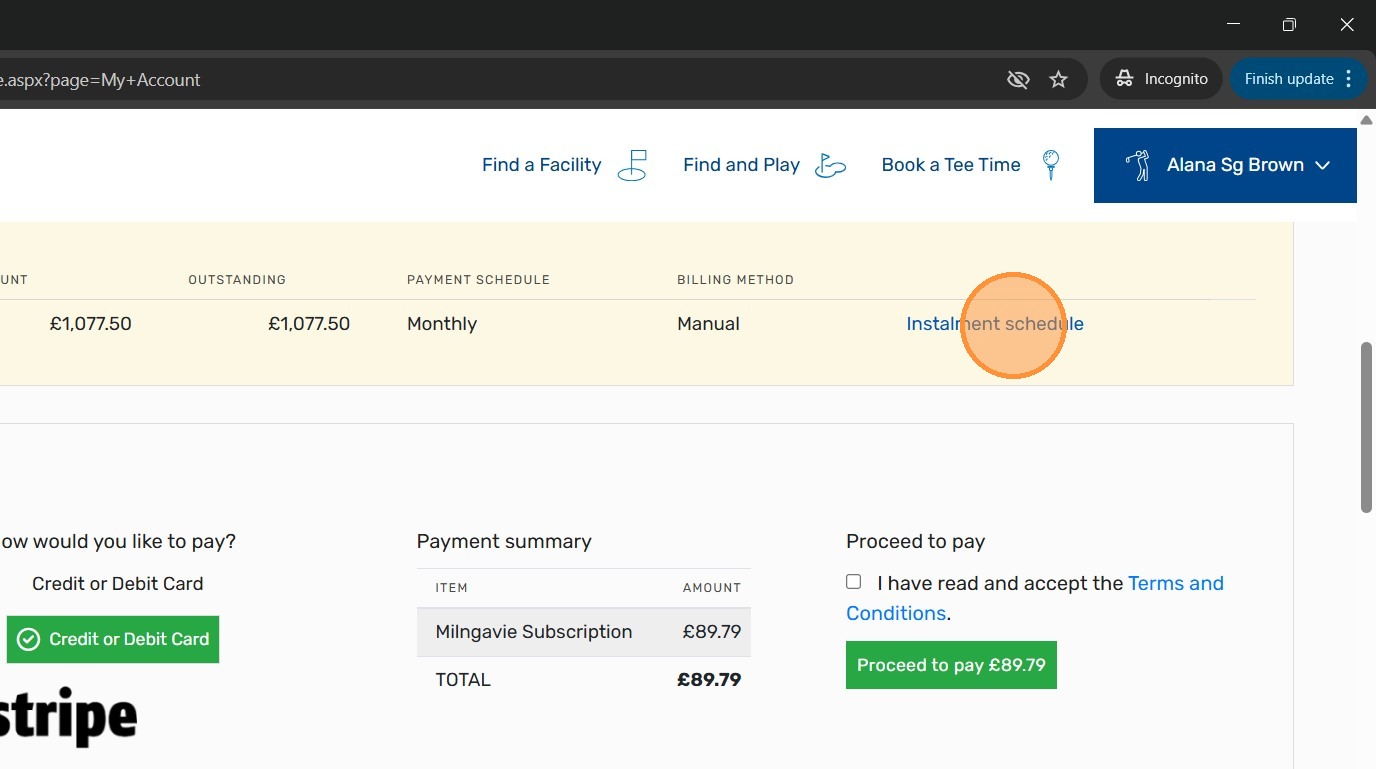
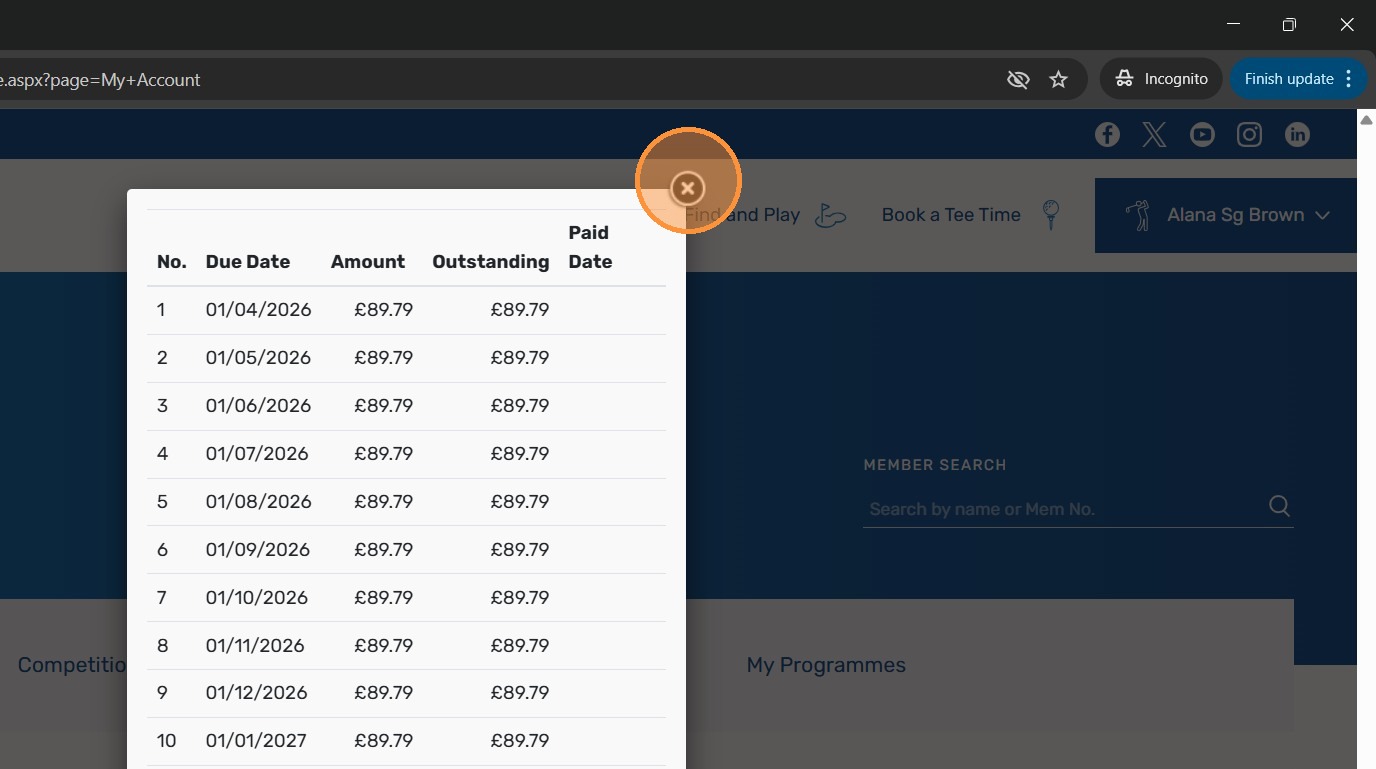
8. You will now have access to your profile and if your subscription invoice has been issued by the club it will be here - If you opted to pay in installments you can see the payment dates by Clicking "Instalment schedule"
9. Click "Close"
10. You now need to activate your subscription payments. In this image the member has asked to pay by installments but if you wanted to pay a single payment that option would be highlighted
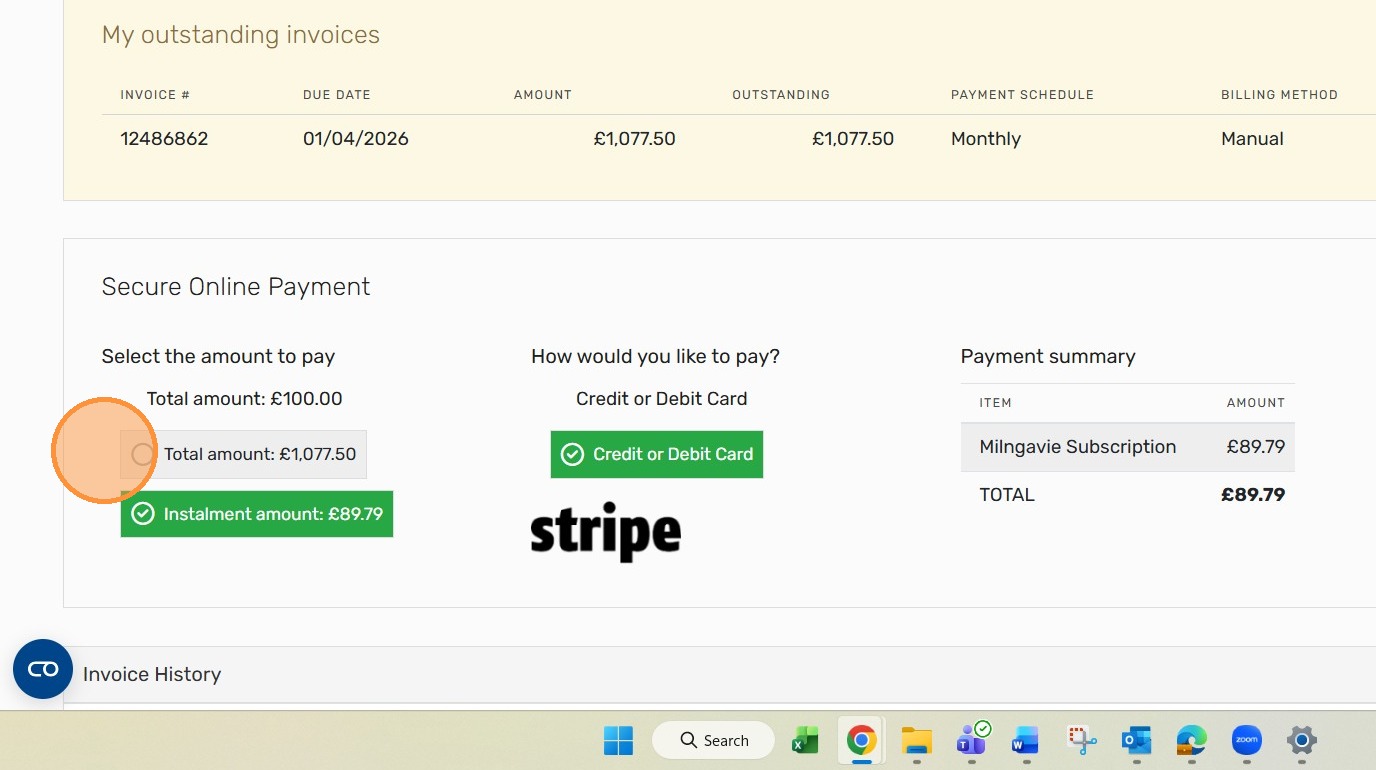
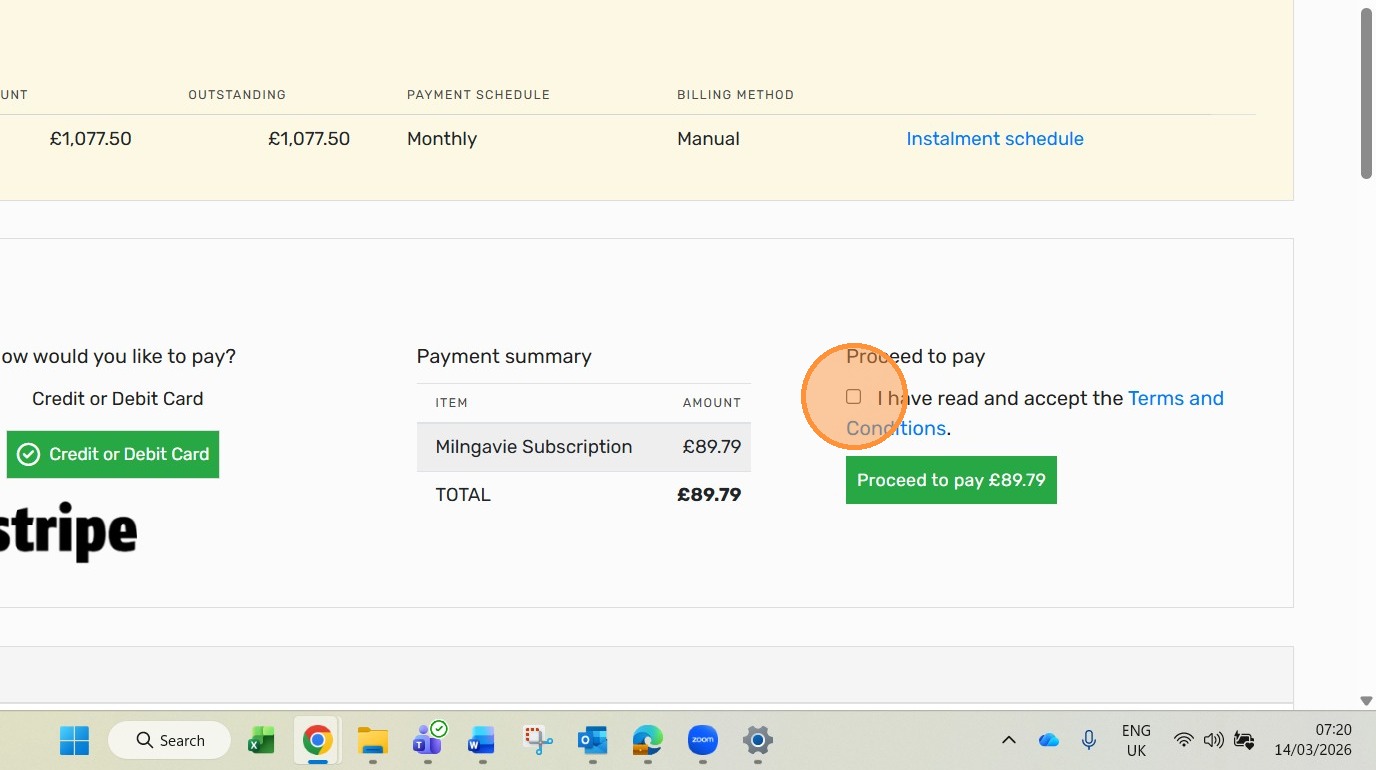
11. This members monthly payment is £89.79. To make your first payment Click "I have read and accept the Terms and Conditions."
12. Click "Proceed to pay £89.79"
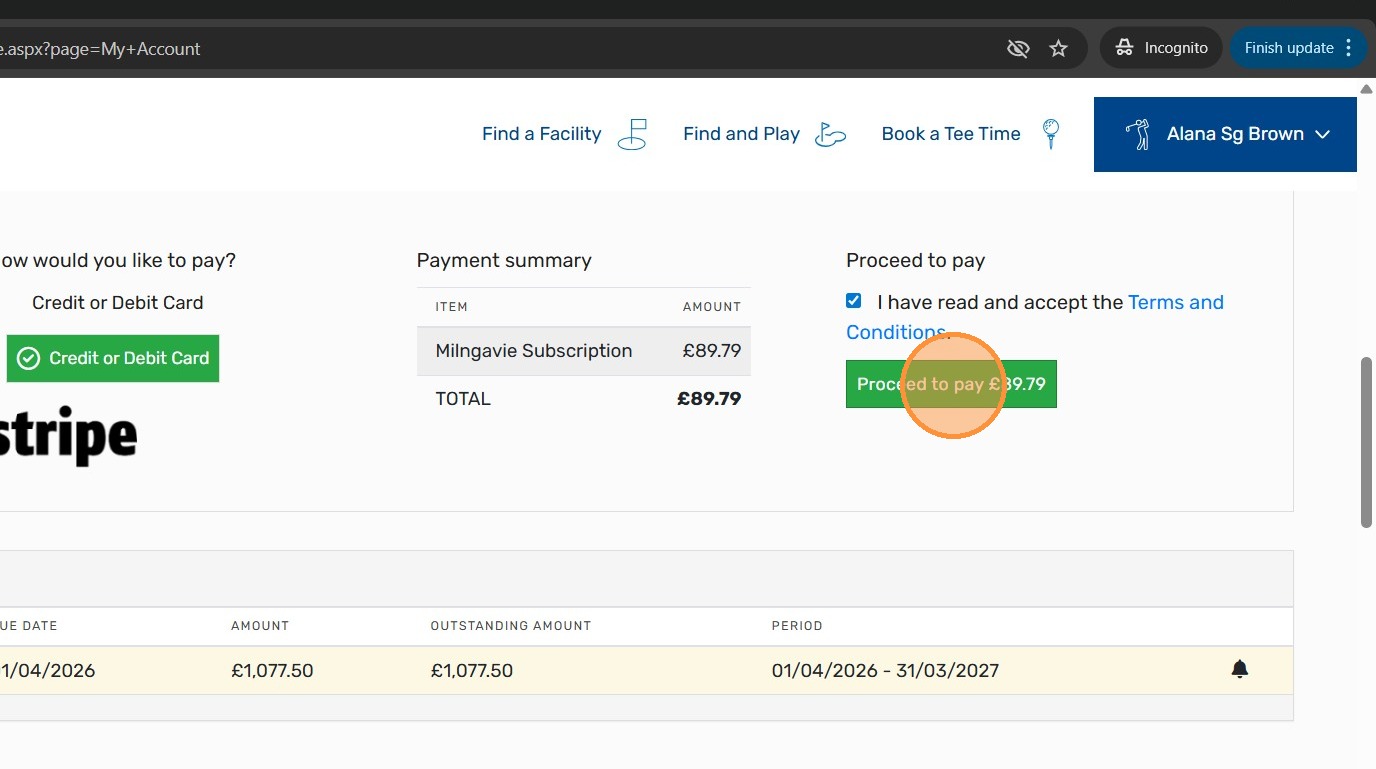
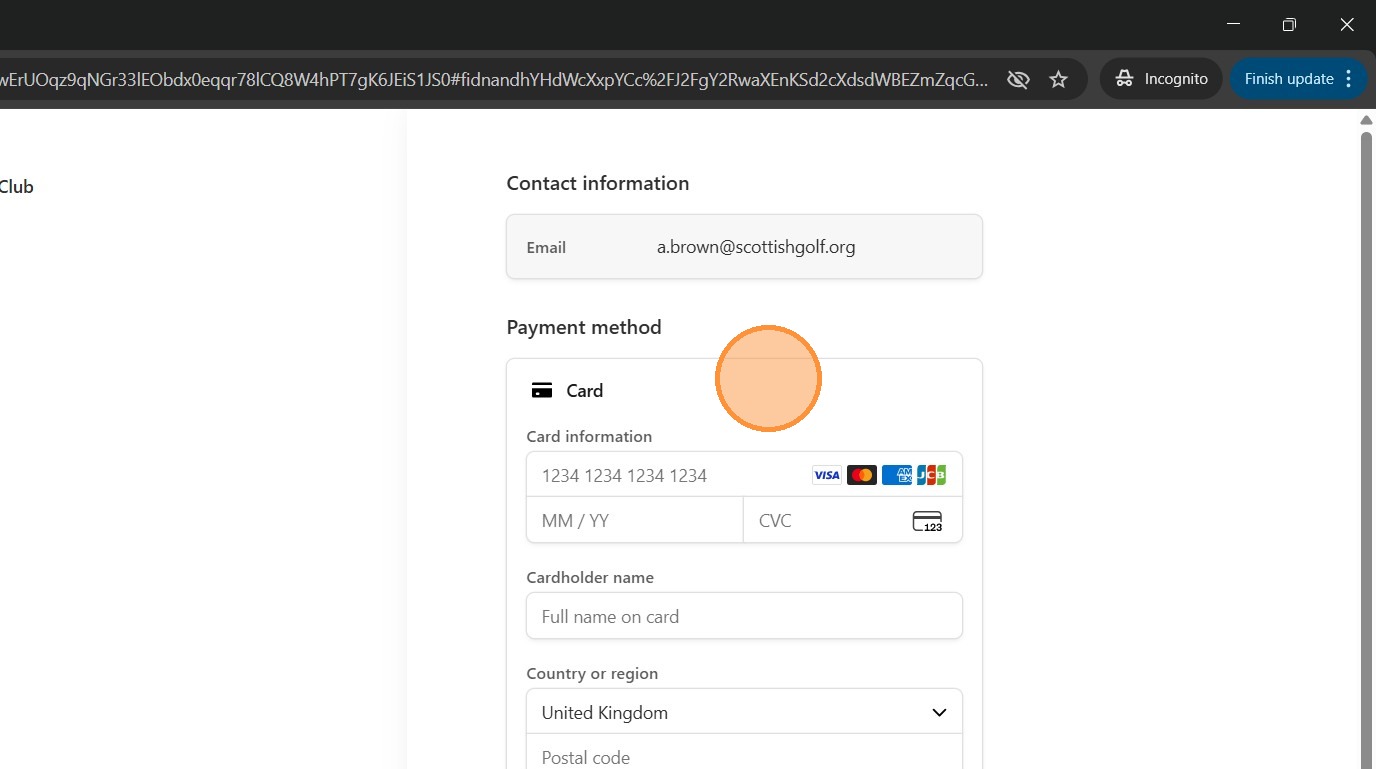
13. You will now be asked to add a billing card which will be stored in STRIPE under security encryption and be automatically charged each month as per the payment schedule.
Tip: Once you have completed your payment the payment will be shown in your members account.
Related Articles
Set Up your Subscription Payment Plan Using Your Club Members Account
Set Up your Subscription Payment Plan Using Your Club Members Account Made by Alan Brown with Scribe Follow these steps to commence payments to your Club Subscription Personal instalment plan. Learn how to log in, navigate your account, and complete ...Member Top Up - Apple Device
Tip! Please find a video of the process below that you can share with your members. 1\. Open up your Scottish Golf App and click on the more option at the bottom right of your screen. 2\. Click "My Account" 3\. You'll then see your various club ...Recording a Subscription Payment on the Scottish Golf Clubhouse in a Members Profile
1. Navigate to https://live.clubhouse.scottishgolf.org/TabMember.aspx?MemberId=595794 2. In the members subscription profile Click "Enter Payment" 3. Select the payment method - in this example we have used "Cash" option. 4. Click this text field and ...Suspending members with overdue subscriptions
There is a warning message / restriction in place for members with subs/account overdue. You can see this in various different places within the platform including on Scorecards and in the tee booking area. Below is an example of how the overdue ...Voiding an Invoice
1. Click the "Subscription" tab of the player in question. 2. Click on the invoice that you need to void. In this example its "11291920". 3. Click "Void" and you will be given a confirmation asking if you wish to Void the invoice. Click OK. 4. You ...