How to Print a Handicap Certificate from Scottish Golf Clubhouse
1. Click "MEMBERS"

2. Go to the player's profile
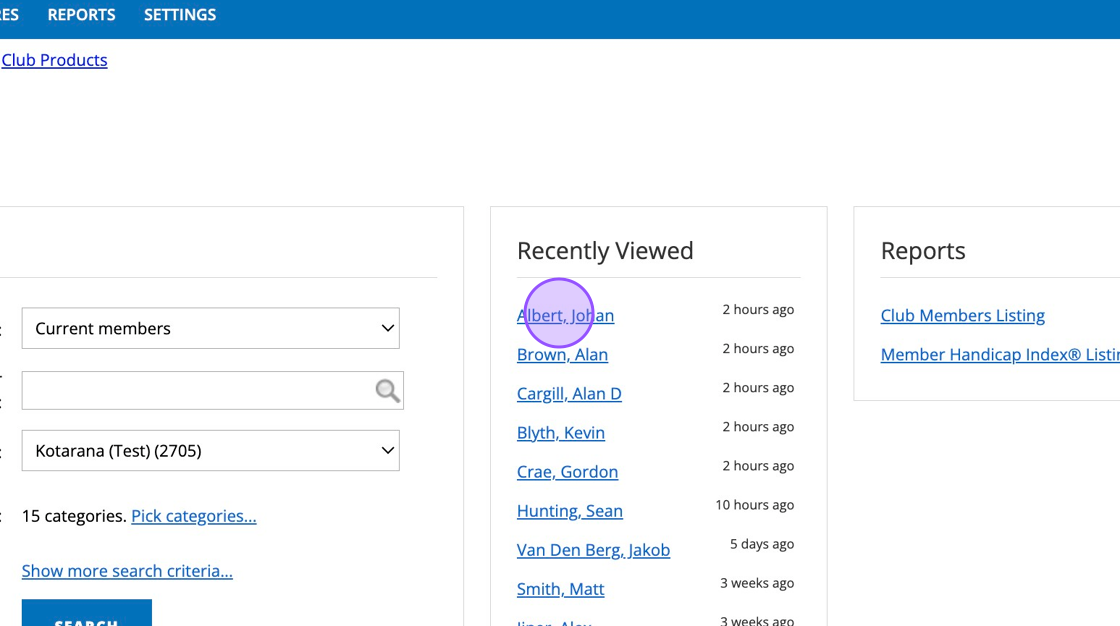
3. Click "View Scoring History"

4. Click "Print Handicap Certificate"
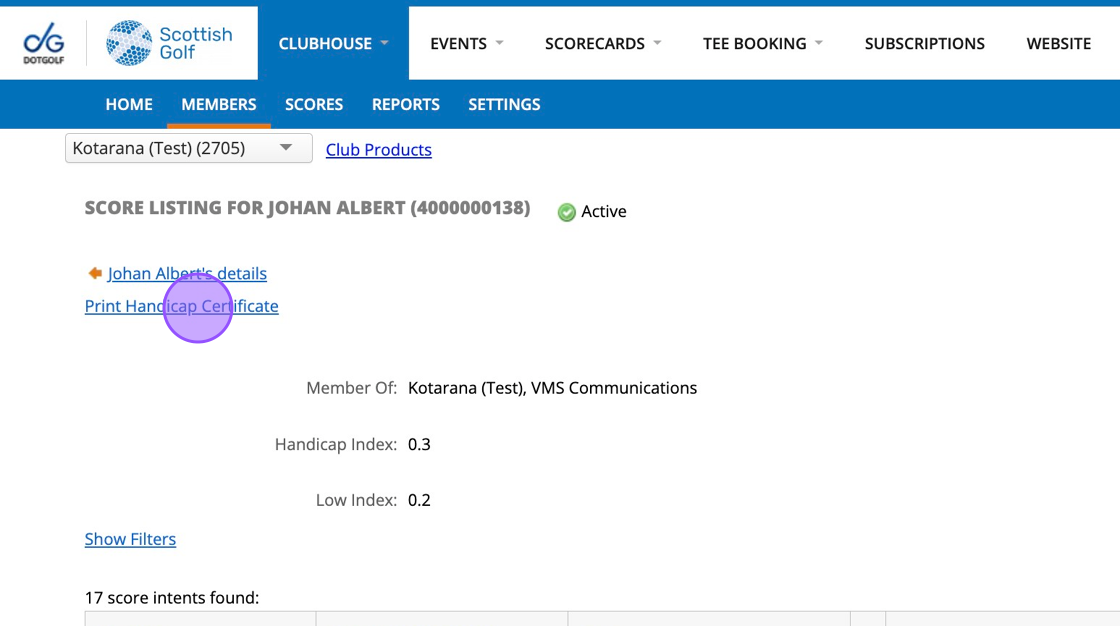
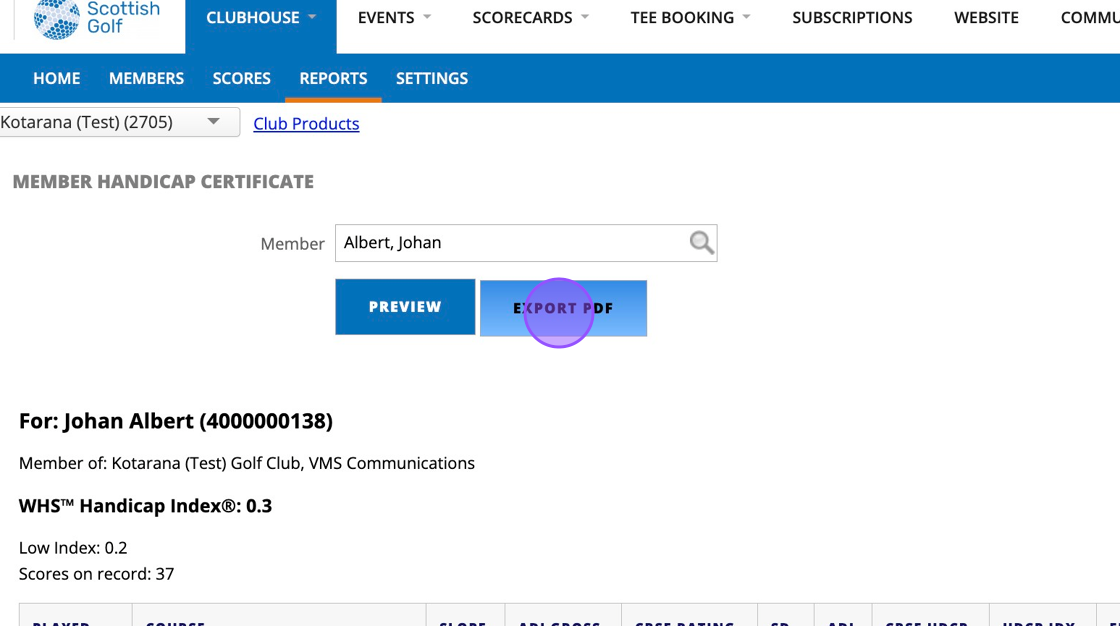
5. You'll then see the players handicap record

6. Click this button.
Related Articles
Bulk Generate Scorecards for Scottish Golf Clubhouse Tournament Registration
1\. Navigate to https://live.clubhouse.scottishgolf.org/ and go to the relevant competition. Click into the dashboard of the competition and select Player Registration. 2\. Click "Pre-Generate Cards" - This should only be done on the day of the ...Generate WHS Course/Playing Handicap Tables Report from WHS Clubhouse
Ahead of the introduction of Course Handicap minus Par, clubs can review their New Course Handicap charts in their WHS Clubhouse Reports. The following guide walks you through the process. 1. Navigate to ...How to Print your Draw
1. Click "EVENTS" 2. Choose the competition that you wish to print the draw from. 3. Once in the competition dashboard, Click "Settings" from within the Draw section 4. You'll then be able to "Print Draw" 5. You can then add in some additional ...Managing your club's profile on Scottish Golf
Learn how to update your golf club's main description, amenities, and additional information through the Scottish Golf dashboard. This guide walks you through some of the area's in Clubhouse that you can edit to tailor your club's profile. 1. Firstly ...Scottish Golf App Overview [Video]
Here is a video overview of the Scottish Golf App: