How to enable Generation/Crossover Booking in Clubhouse for 9 hole Golf Clubs
Please note that your platform needs to be appropriately configured as a 9 hole golf club before you are able to opt for generational/crossover booking. Please email vms@scottishgolf.org for this to be actioned.
Activating generational/crossover booking turns your tee sheet into a 9 hole tee sheet. This means all 18 hole bookings require a secondary tee time to be booked out. The system will do this automatically according to the crossover period you input.
If there is no availability for the secondary tee time then the system will look to place the player either 10 minutes earlier or later. If there is still no available tee time then the player will not be able to complete the booking.
You do not need to reconfigure any green fee's unless you wish to change the amount charged for 9/18 hole bookings.
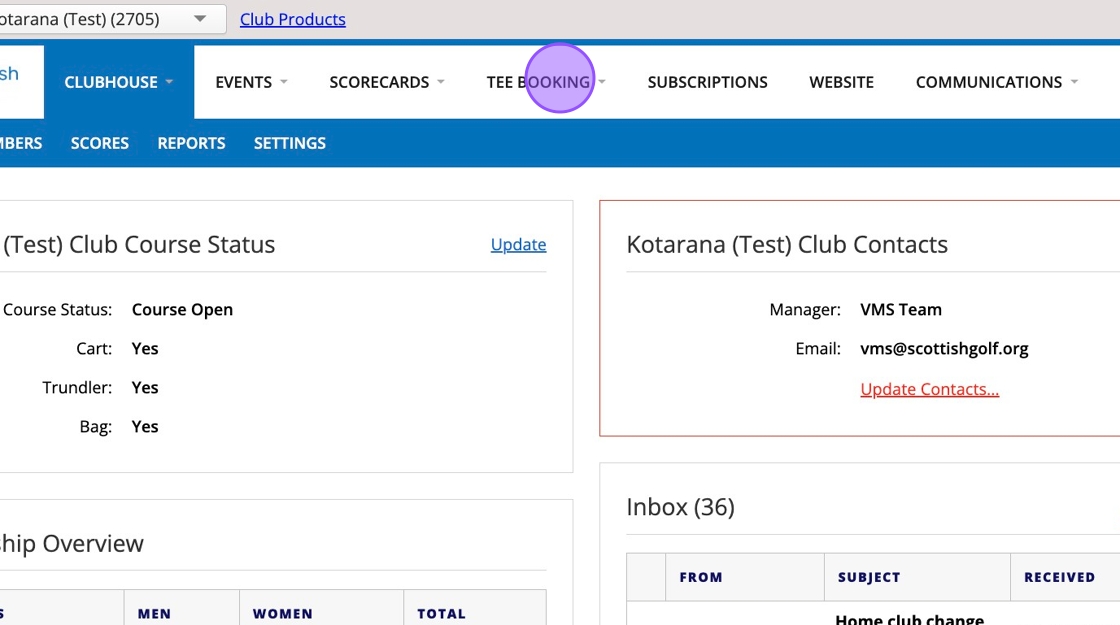
1. Click "Tee Booking"
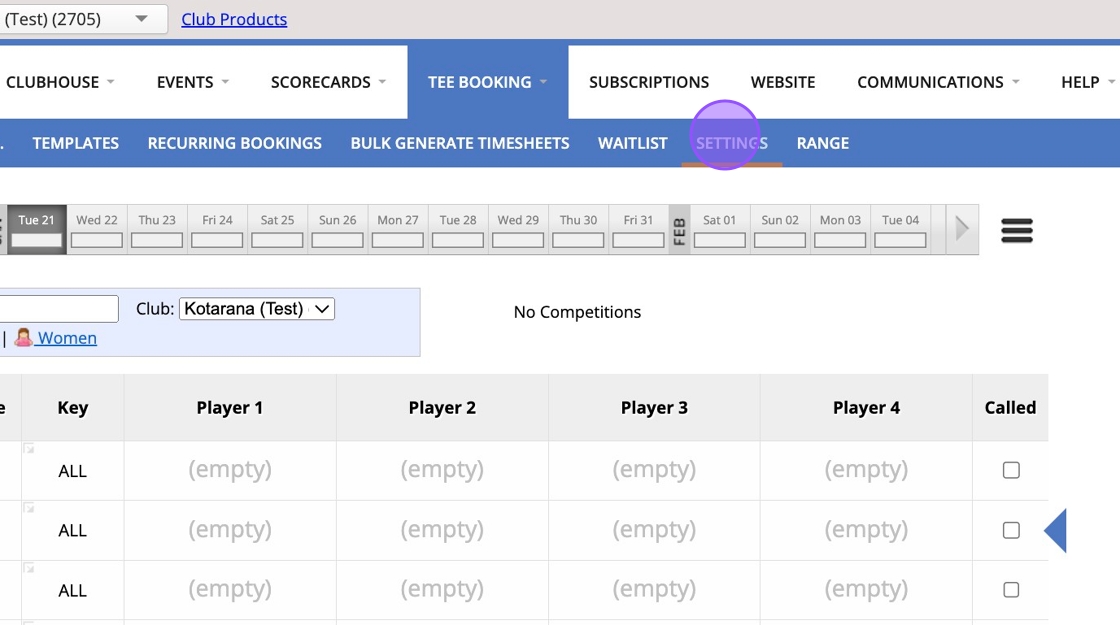
2. Click "Settings"
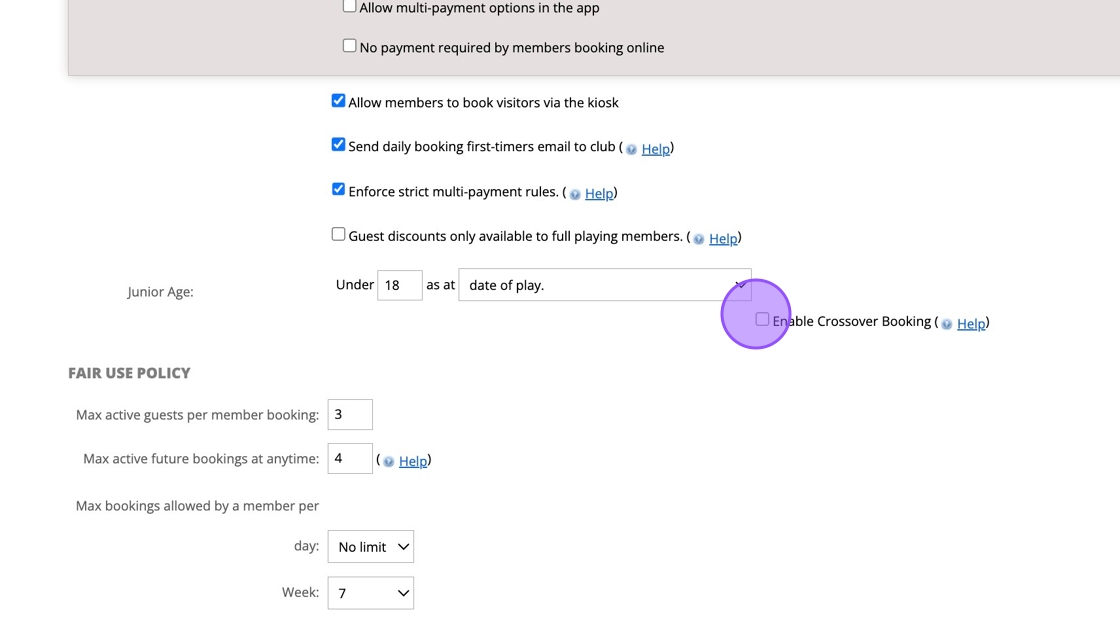
3. Once configured as a 9 Hole Golf Club you'll be able to see the below Crossover tick box. Click the "Enable Crossover Booking" field.
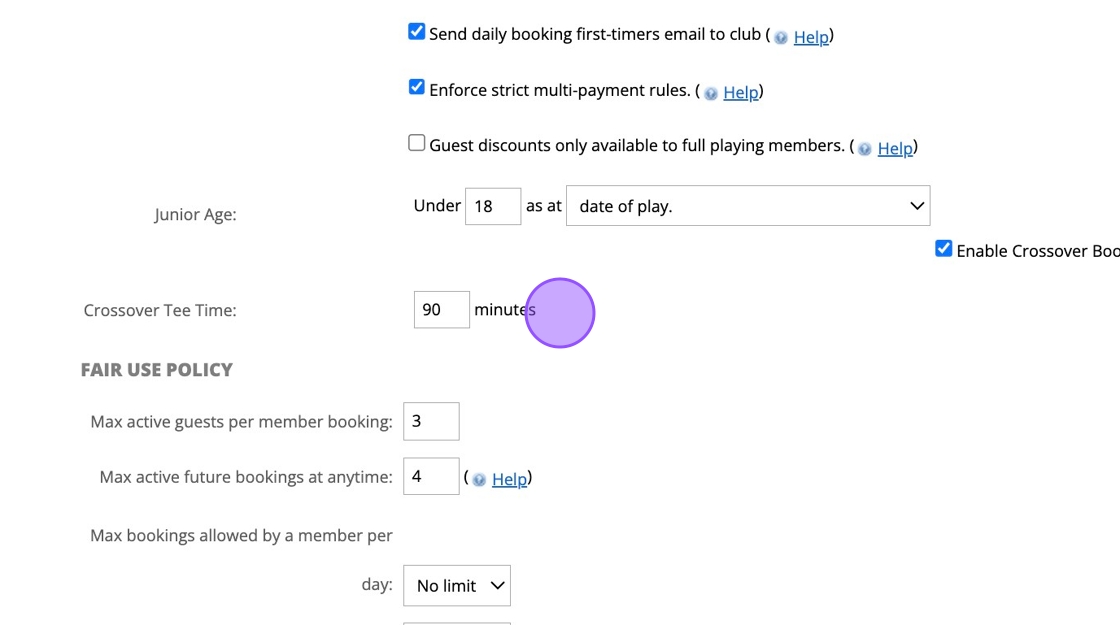
4. Once ticked, a separate field will populate for you to put in your crossover period i.e. 90 minutes.
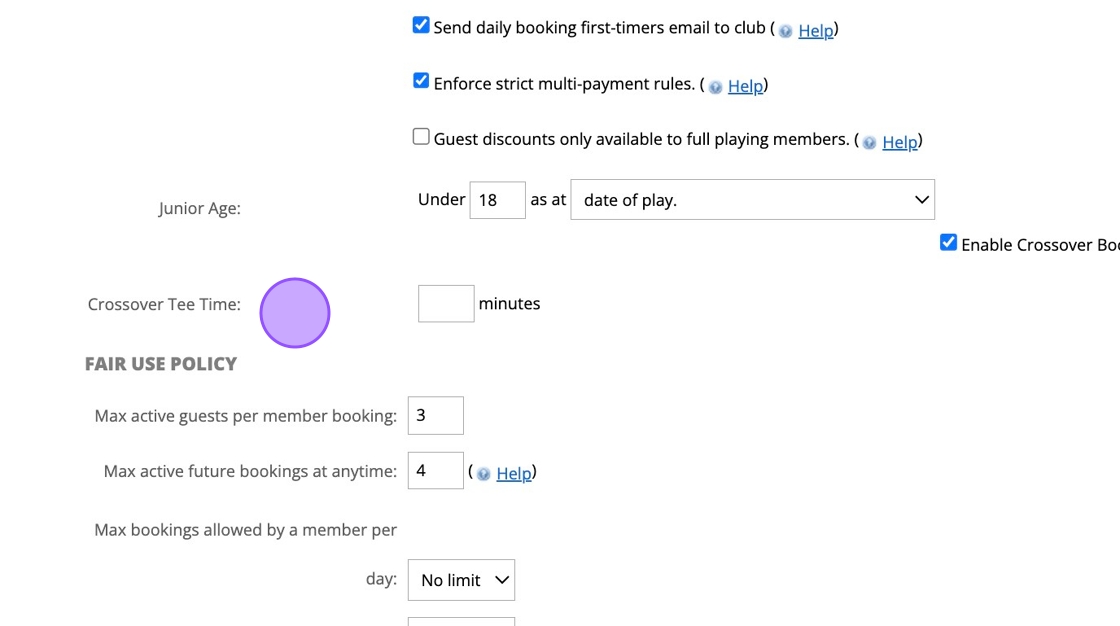
5. Click here.
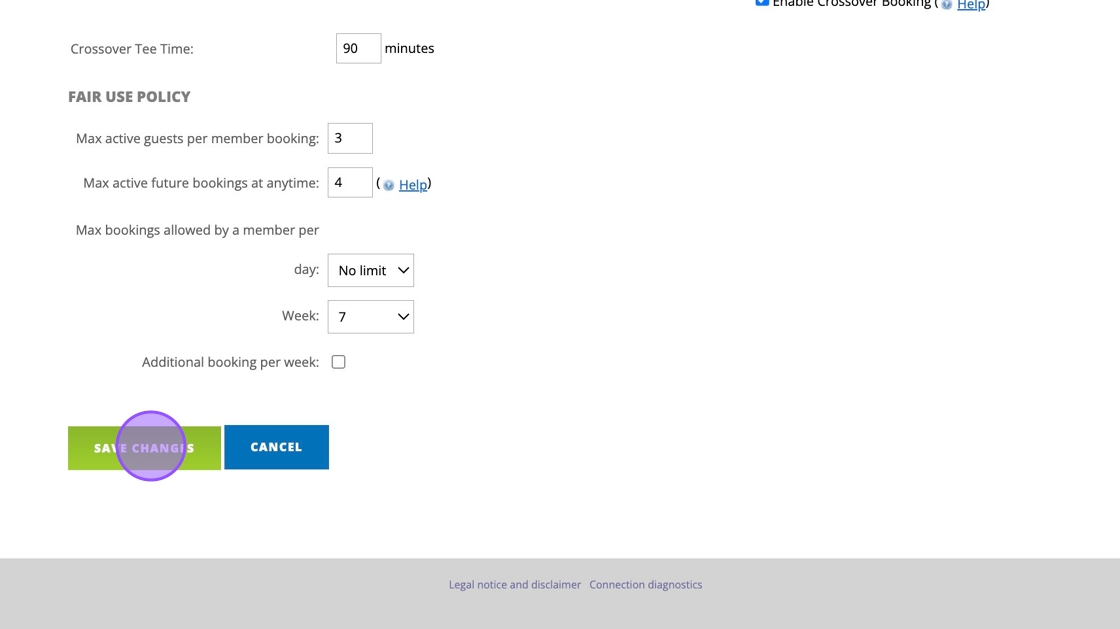
6. Click this button to save you changes.
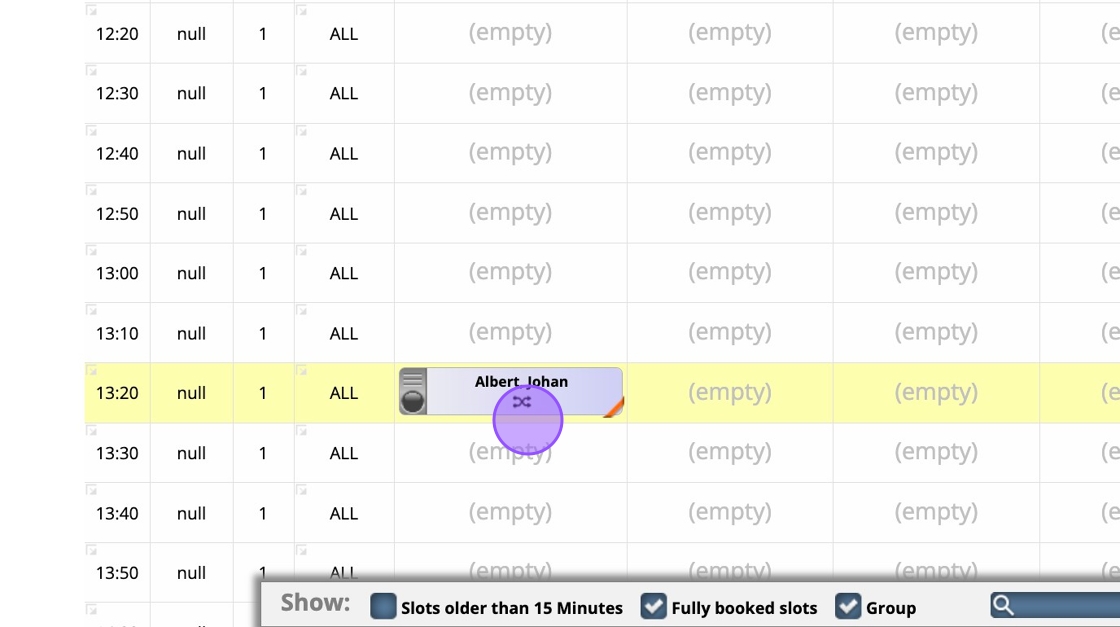
7. When a player makes an 18 hole booking you'll now see 2 bookings in your tee sheet, and they will also see 2 bookings in the confirmation email, in the app and on the website. This allows them to see both times booked ahead of their round.
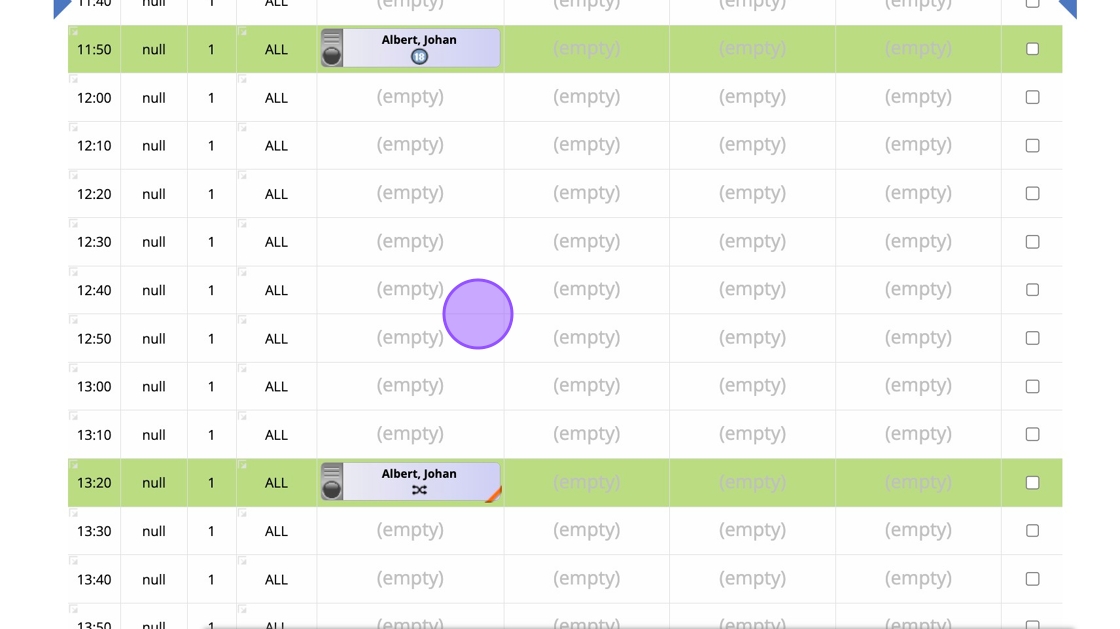
8. The 'Crossover' booking is clearly identified with a cross arrow icon so you can always identify a second loop of 9 holes.