How to Customise Invoices

How to Customise Invoices

1\. Navigate to https://live.clubhouse.scottishgolf.org/Settings/SubsInvoices.aspx?levelCode=MEMBERSHIP_INVOICE

2\. Click "Invoicing & Accounting System Settings"
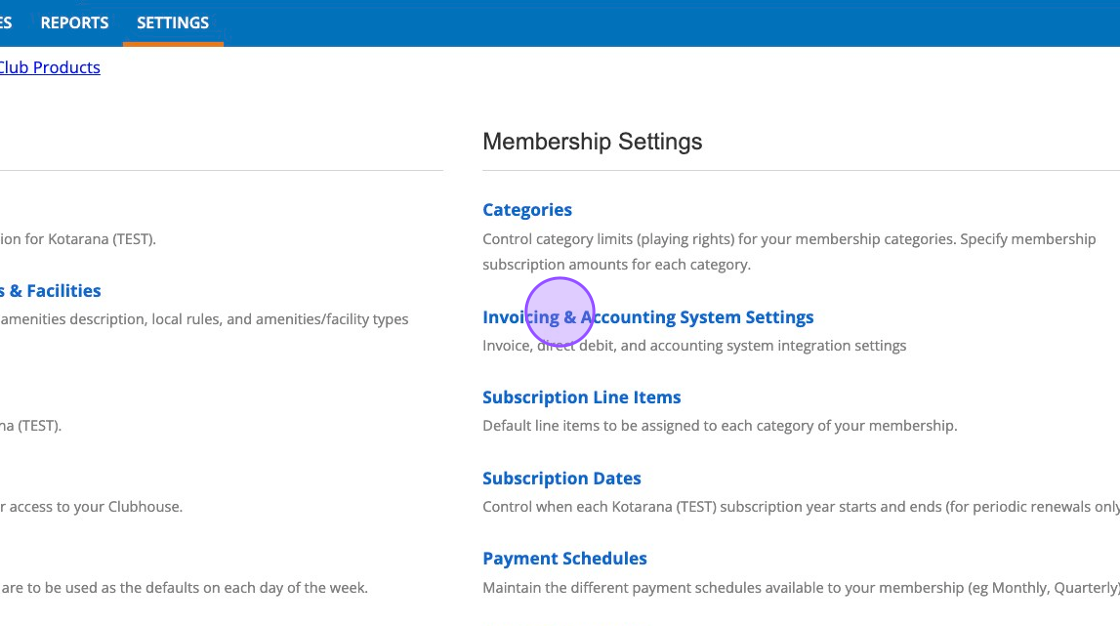
3\. Complete the fields your require to show on your invoices.
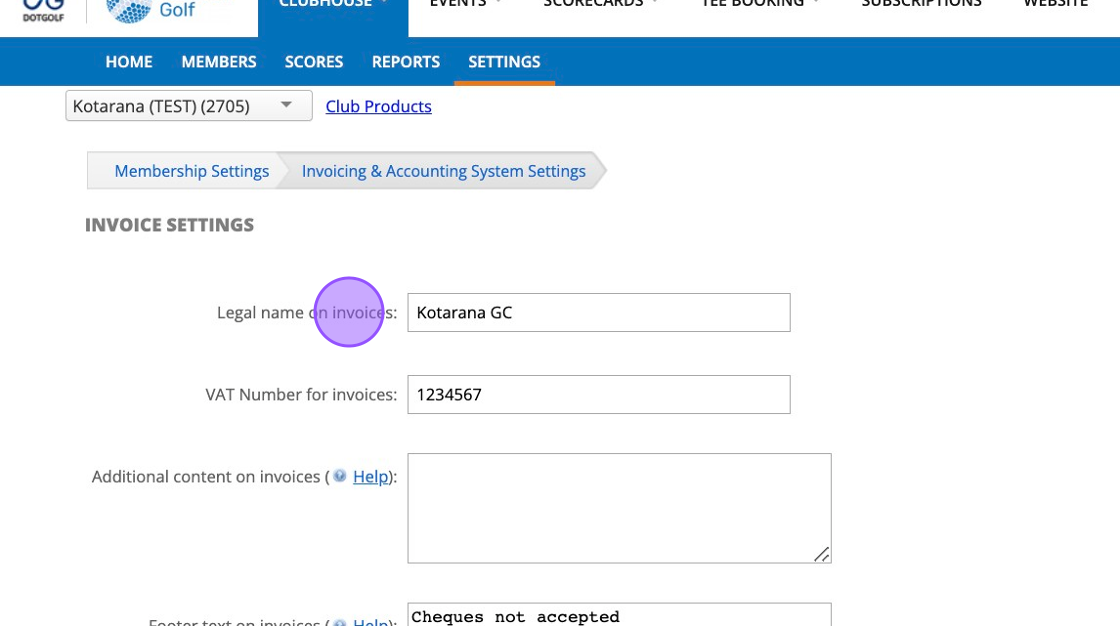
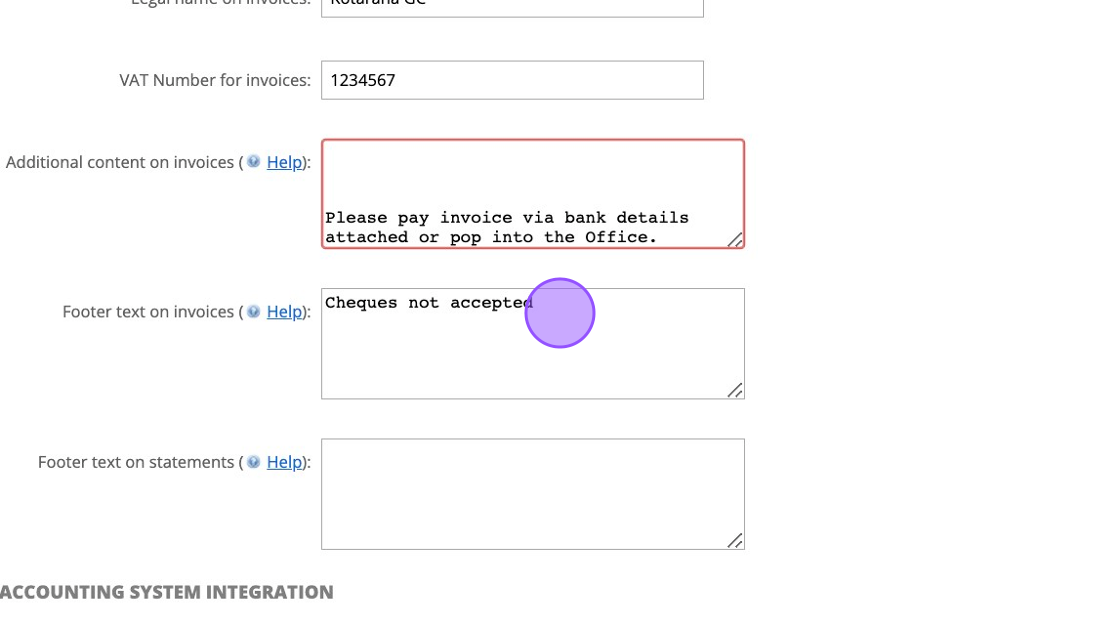
4\. Click this field to add additional messaging within the middle of your invoice.
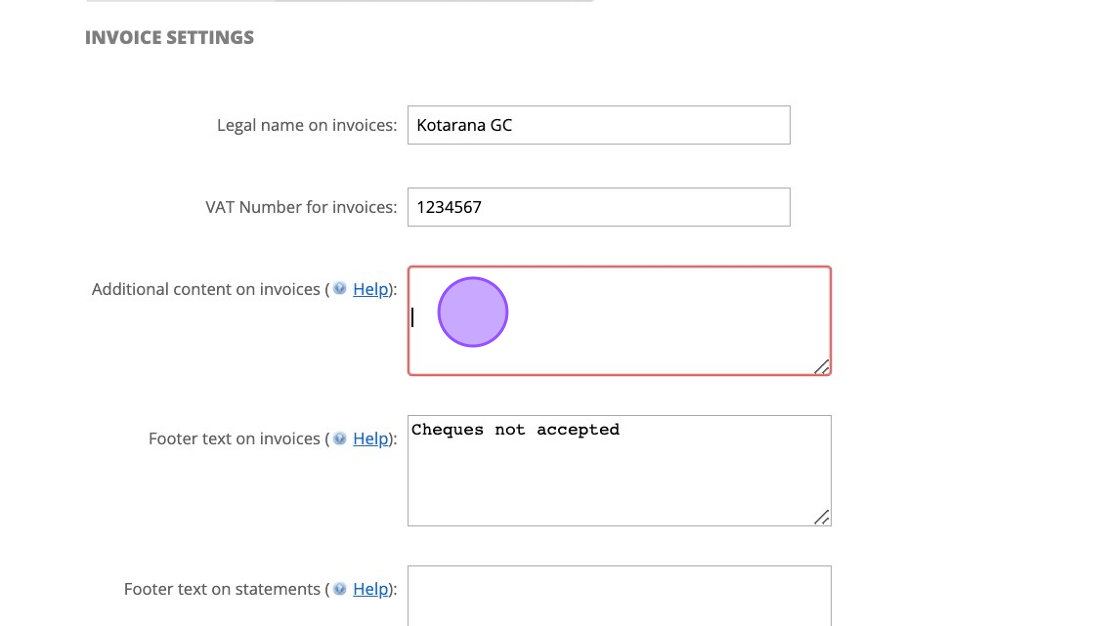
5\. Here is an example. We have placed some space before writing the text to move the body of text further down the page.
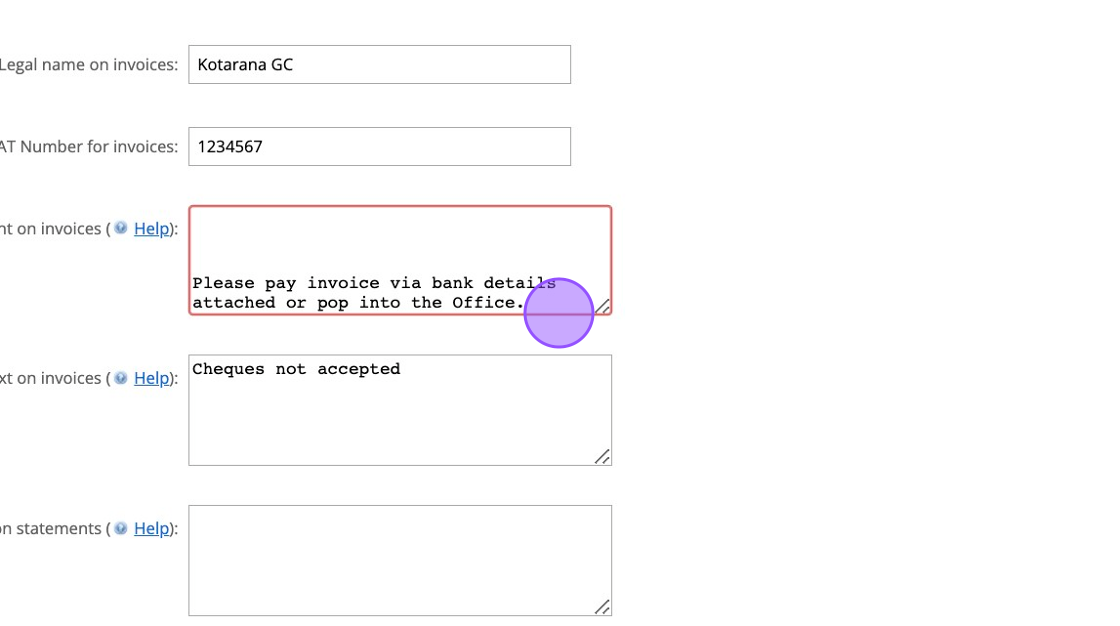
6\. Click this field to add a message at the bottom of your invoice.
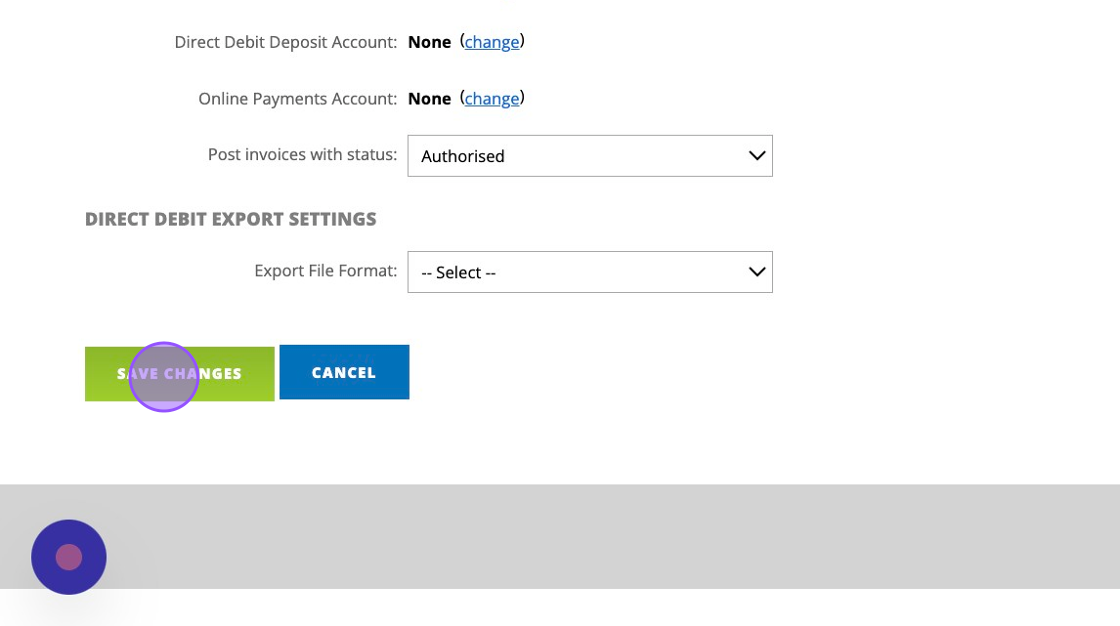
7\. Click this button when you are finished.
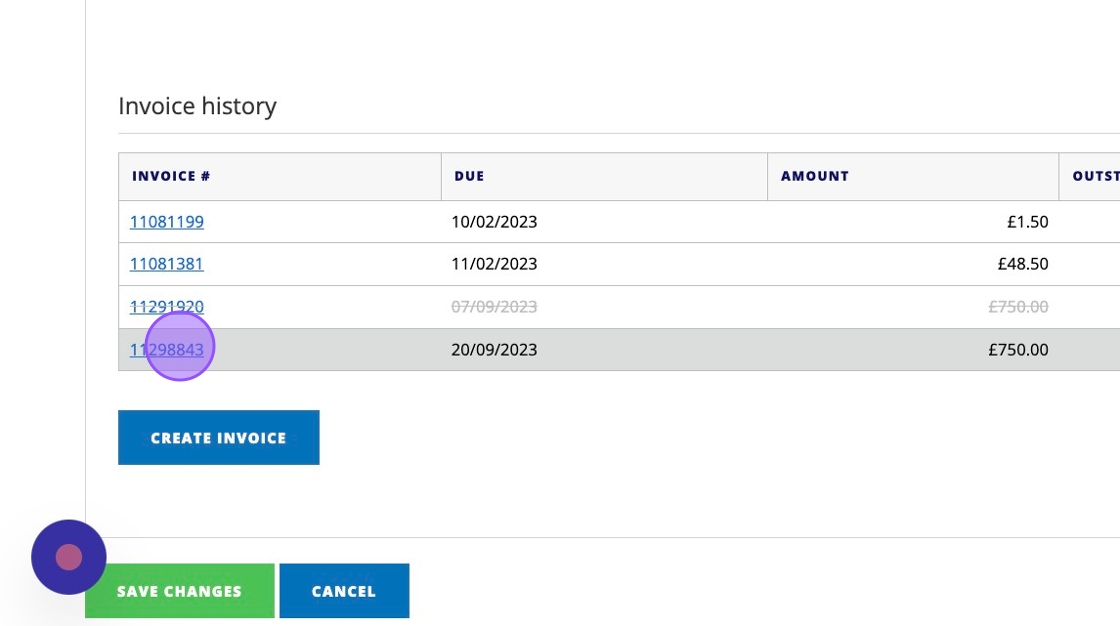
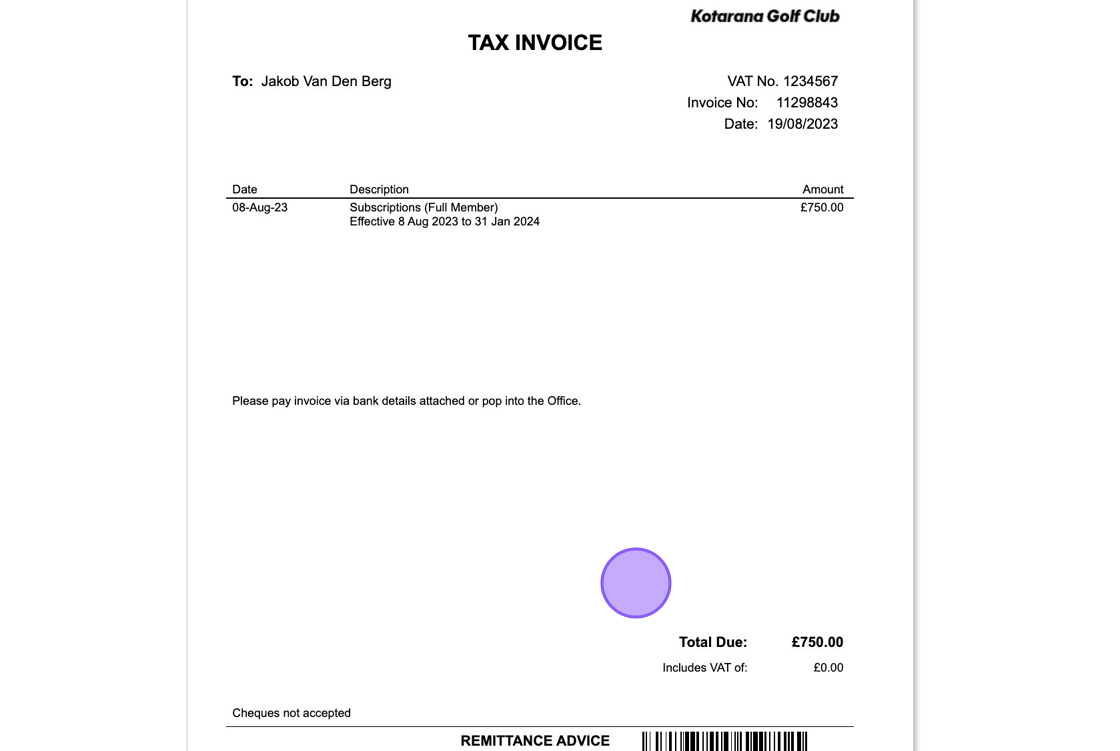
8\. Then when a new invoice is created you'll be able to view it. Click on a newly generated invoice (after you've made the above changes).
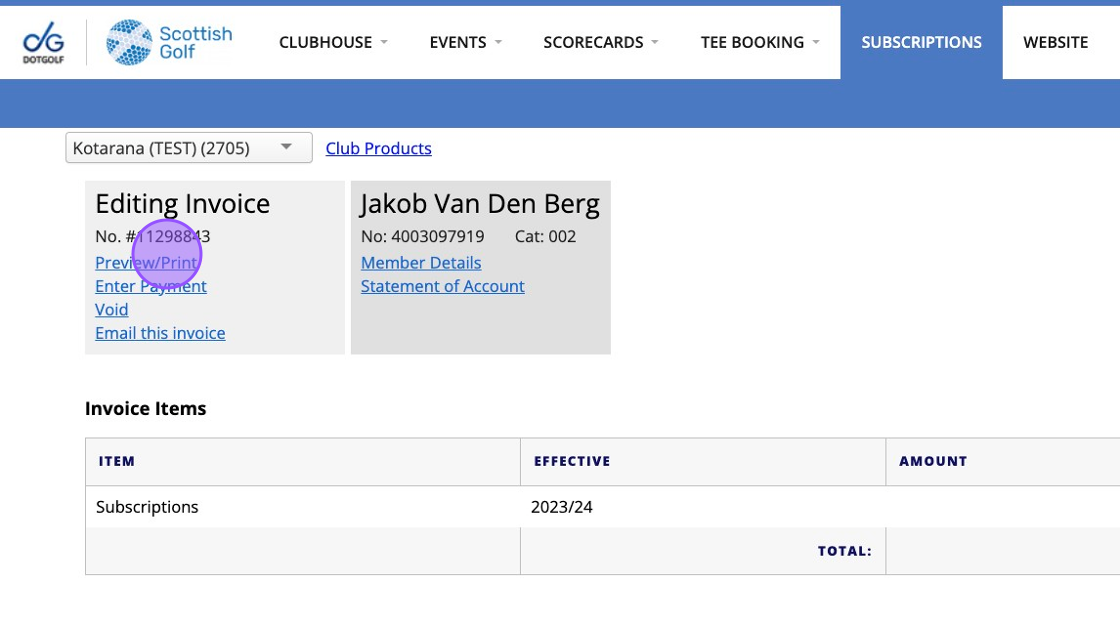
9\. Click "Preview/Print"
10\. You'll then see your customised invoice


    • Related Articles

    • Process Membership Renewals and Send Invoices

      Process Membership Renewals and Send Invoices Made by Alan Brown with Scribe Learn how to efficiently process membership renewals and generate invoices for your members. This guide will walk you through the steps to ensure accurate billing and timely ...
    • How to customise your EposNow Receipt

      1. Within your EposNow back office, click on Setup 2. Click "Receipts" 3. Here you will be able to edit your Company Name 4. And add in addition fields like emails, URL's etc 5. You can also change your refund policy through the "Refund Days" field. ...
    • VMS Onboarding Overview & Guidance - Project Plan

      The below template is aimed at helping you manage your transition from existing provider to VMS. It details steps involved to configure specific modules as well as considerations you should take before and during the migration period. There is an ...
    • How to pay invoice's from your Mobile Phone

      1. Go to www.scottishgolf.org on your mobile device. Click on Golfer Login at the top of your screen. 2. Log in with your CDH number and Password 3. Once logged in please select the dropdown to filter between your different bespoke pages. Select the ...
    • Adding Two's to a competition

      1. Go to the competition in question or do this whilst you set up your competition profile. 2. Click "Edit" on the competition formats 3. Click on the search bar and type "Two" 4. Click this checkbox to add in the Twos. 5. You'll then also get the ...