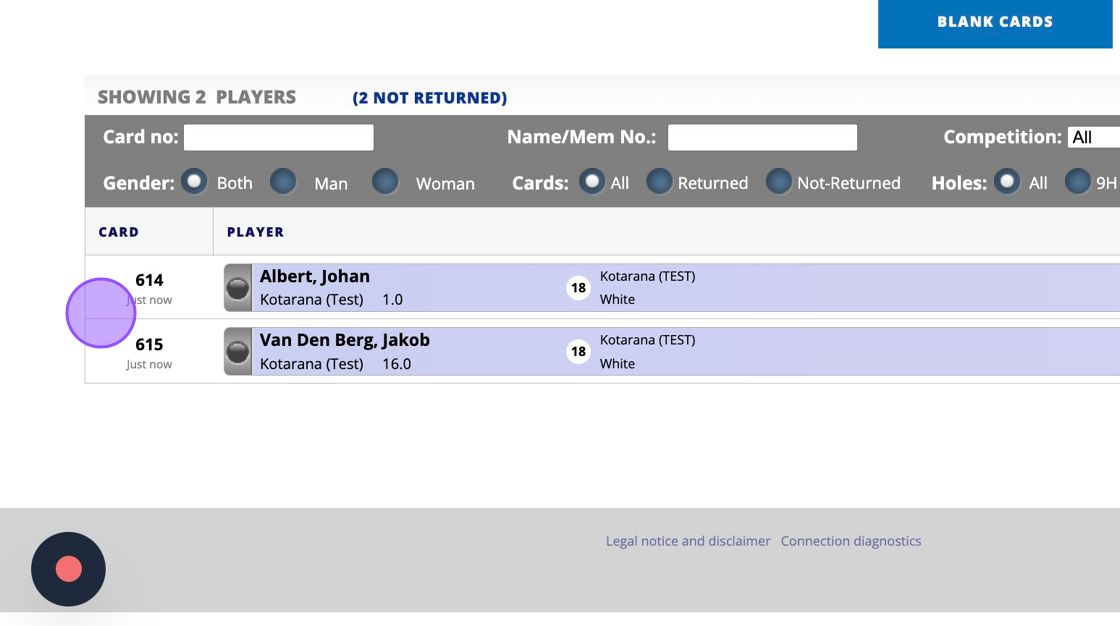
Generate scorecards and competition entries from tee sheet
Please remember that you can't pre-generate the scorecards days in advance as it will take the HC on the day of scorecard generated. The scorecards must be generated on the day of play.
1. Click "SCORECARDS"
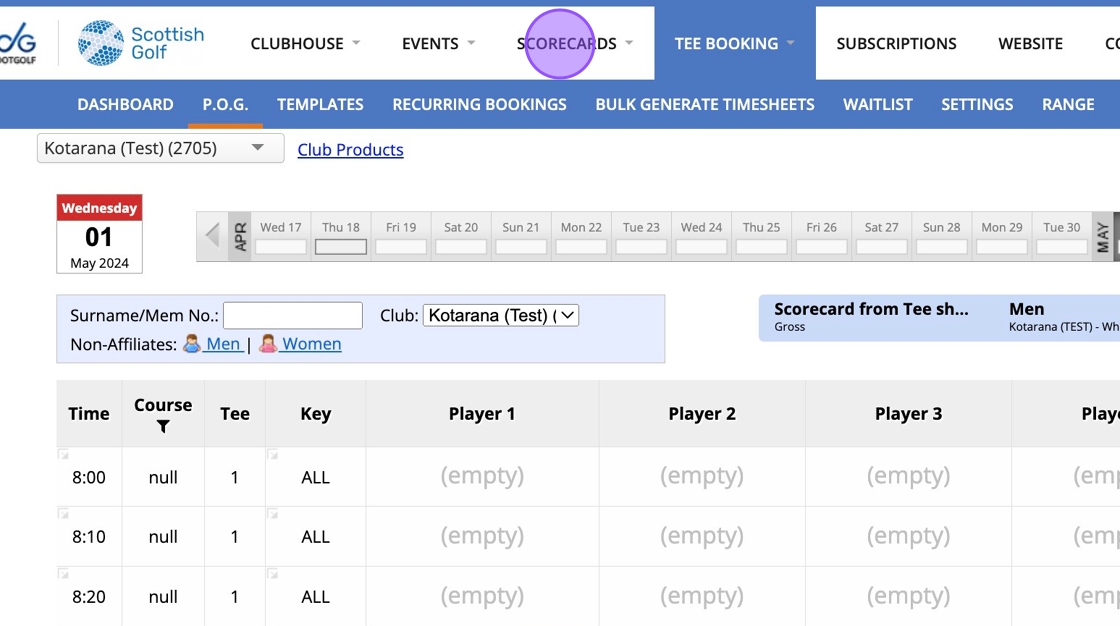
2. Click "PRE-GENERATE CARDS"

3. Go to the date of the play or the competition that you wish to generate scorecards for.
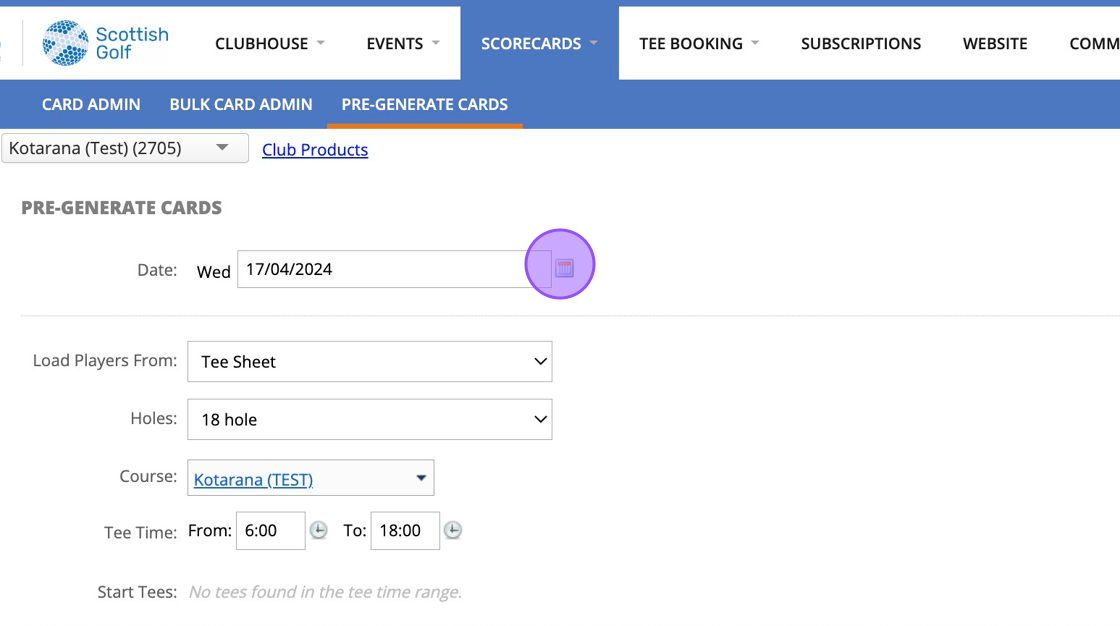
4. Ensure the Load Players dropdown is on Tee Sheet.

5. Click "Tee Time:" to select the range of bookings you wish to populate.
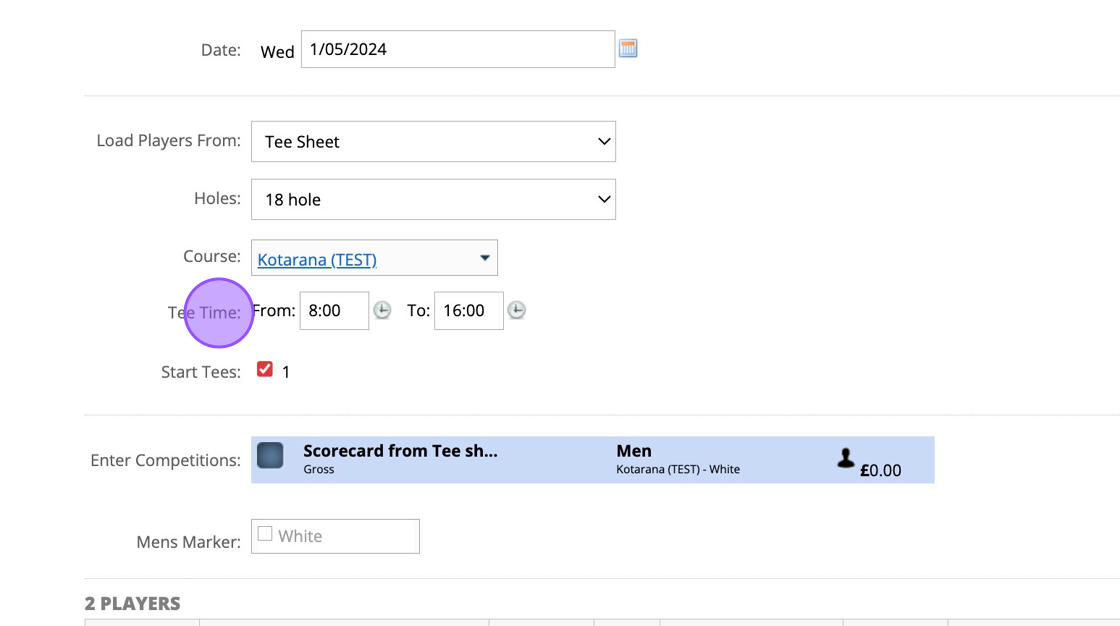
6. You'll see the available competition. Tick this on if you wish to add these cards into the competition.
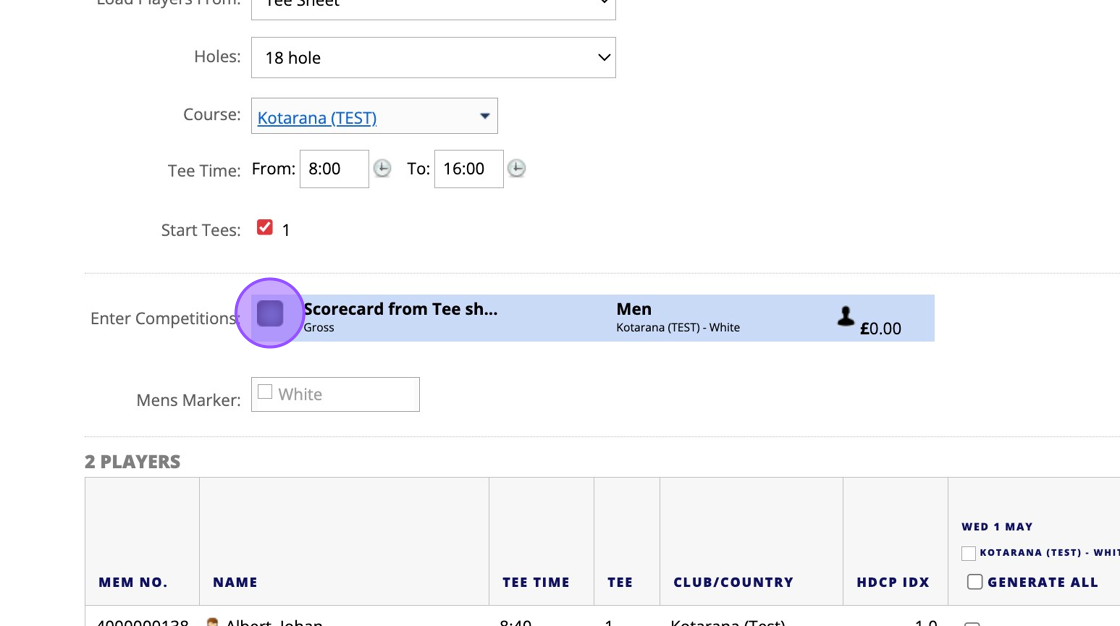
7. You'll see a list of the players who are in the tee sheet during the day/times you have selected.
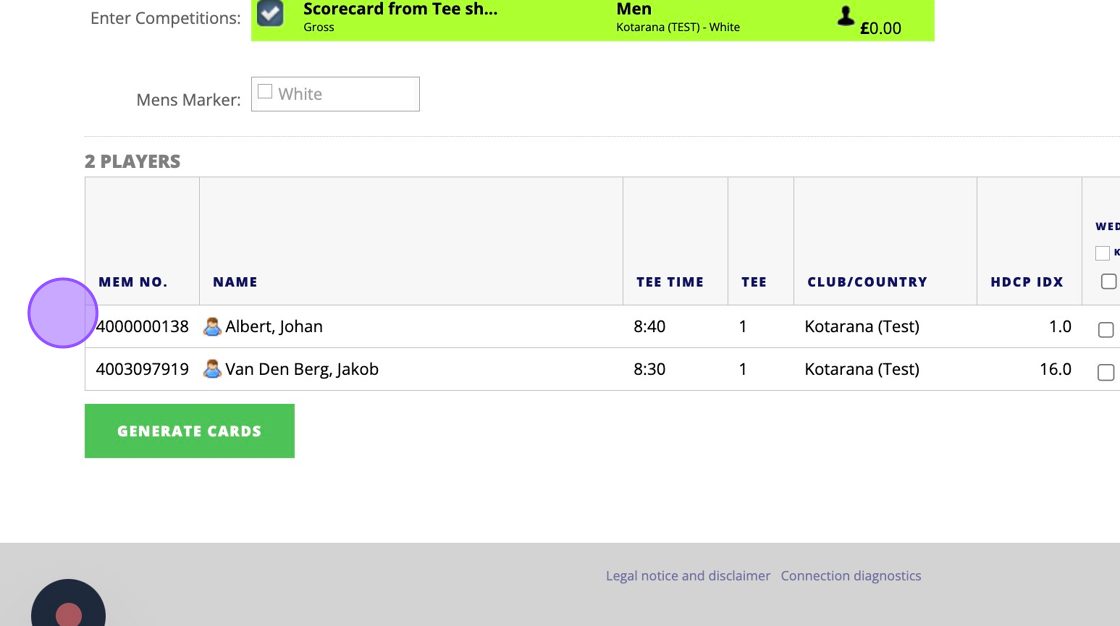
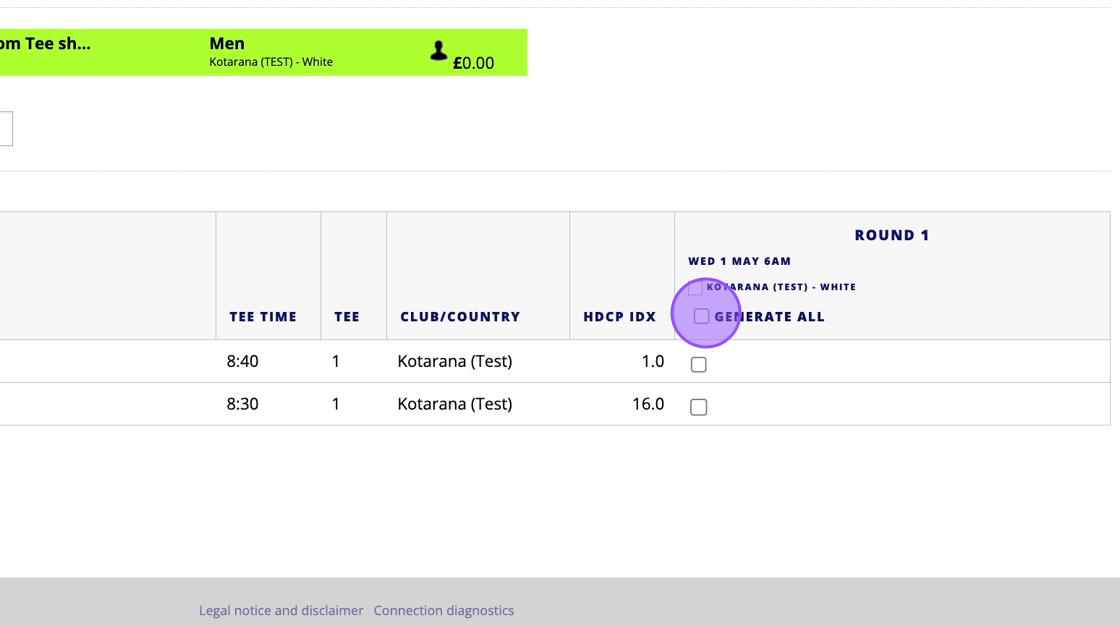
8. Click the "Generate All" field or select the players individually.
9. Click "GENERATE CARDS" and confirm to generate the scorecards.
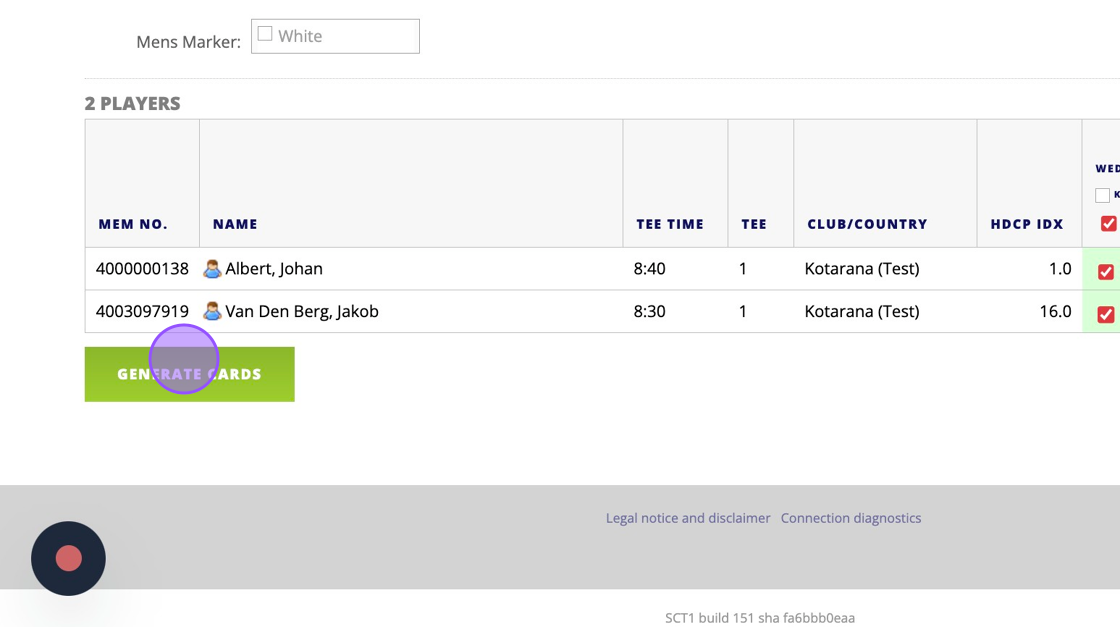
10. You'll then see the players have been entered into the competition.
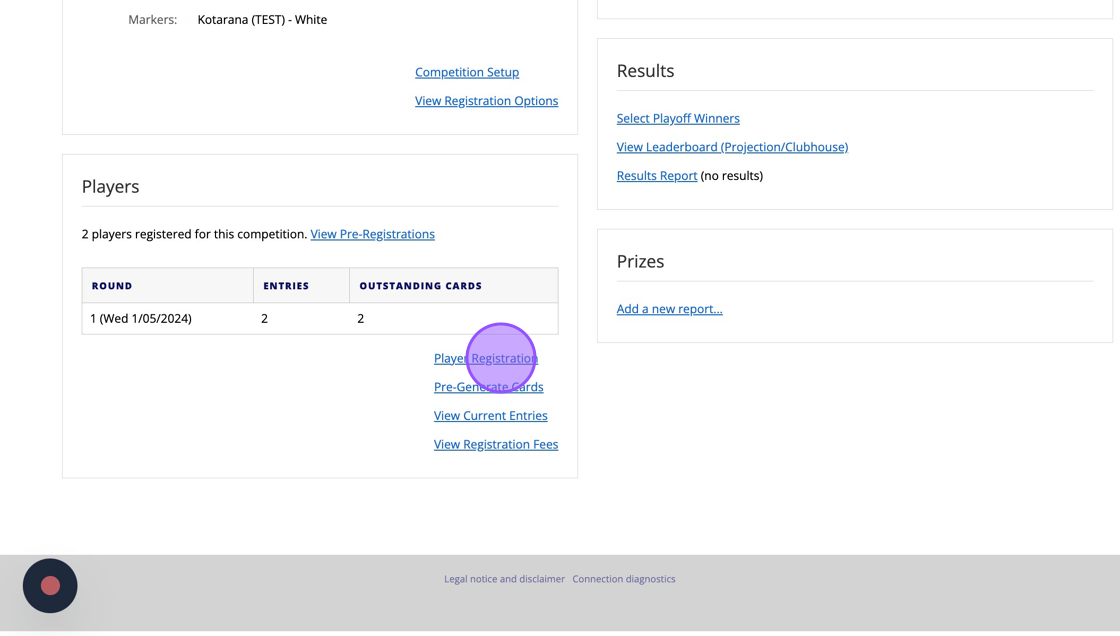
11. Click "SCORECARDS"

12. Go to the day of the competition.
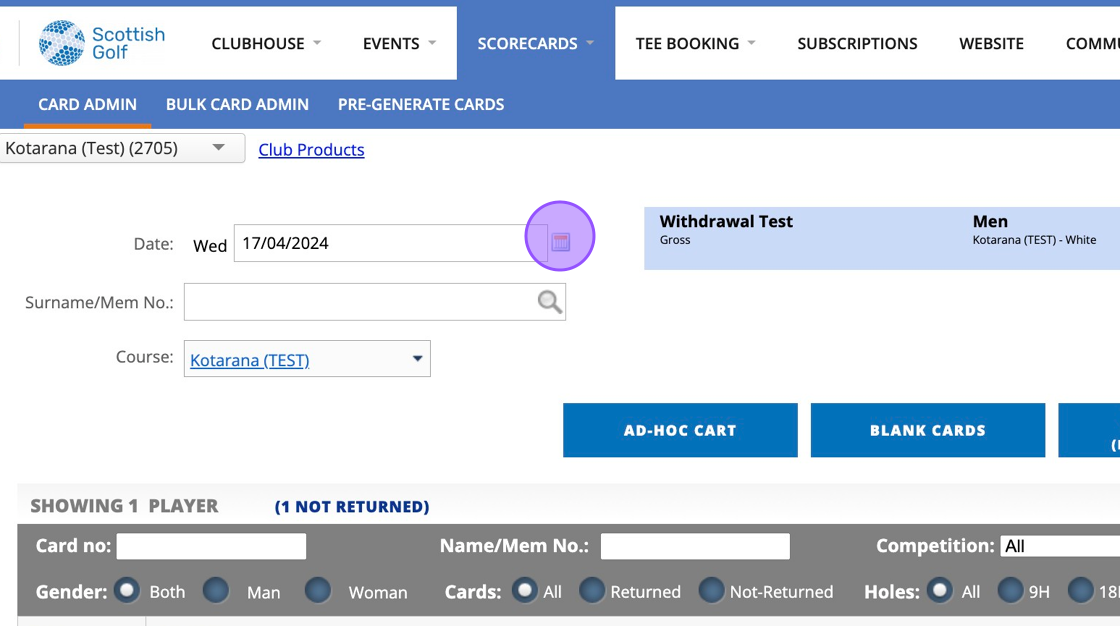
13. You'll then see the scorecards appear in on the day of play. These cards are now ready for players to enter their score either via the SG App or Kiosk.