Adding Two's to a competition
1. Go to the competition in question or do this whilst you set up your competition profile.
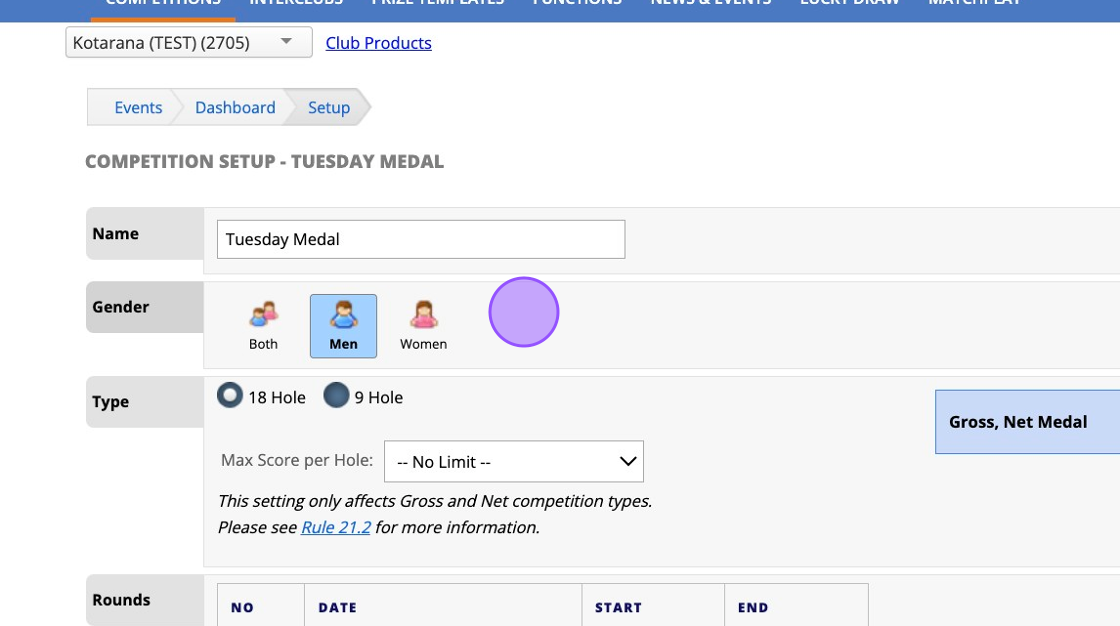
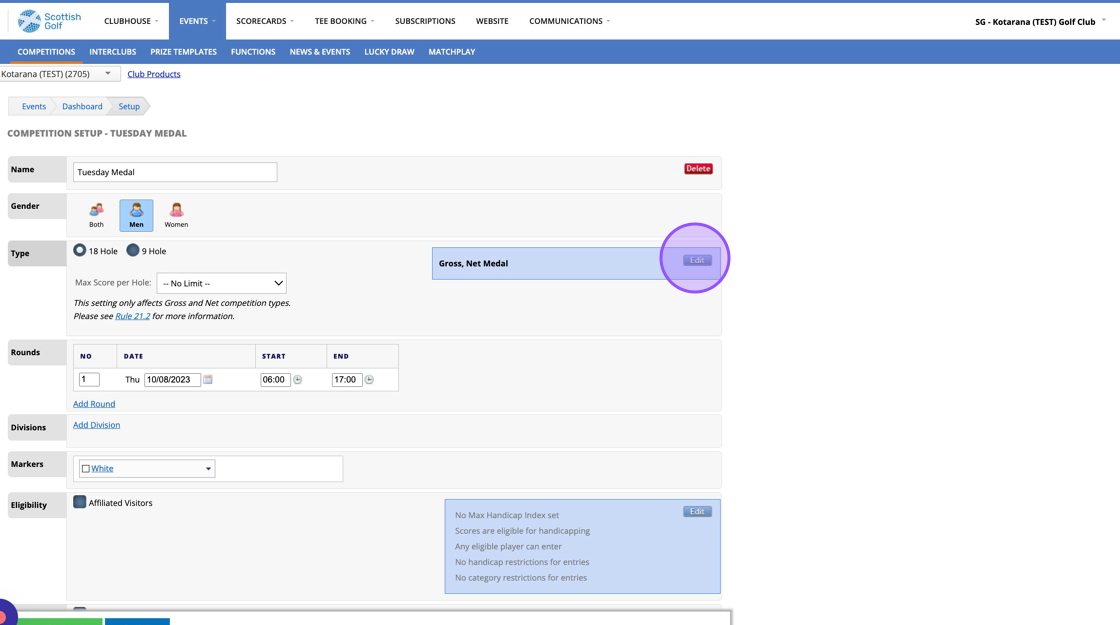
2. Click "Edit" on the competition formats
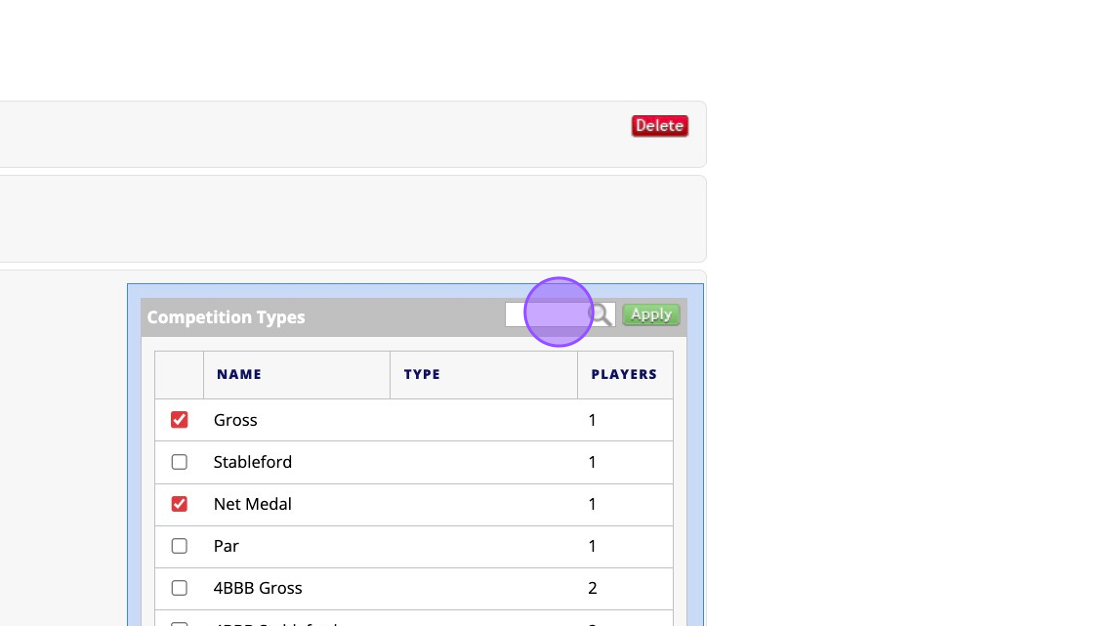
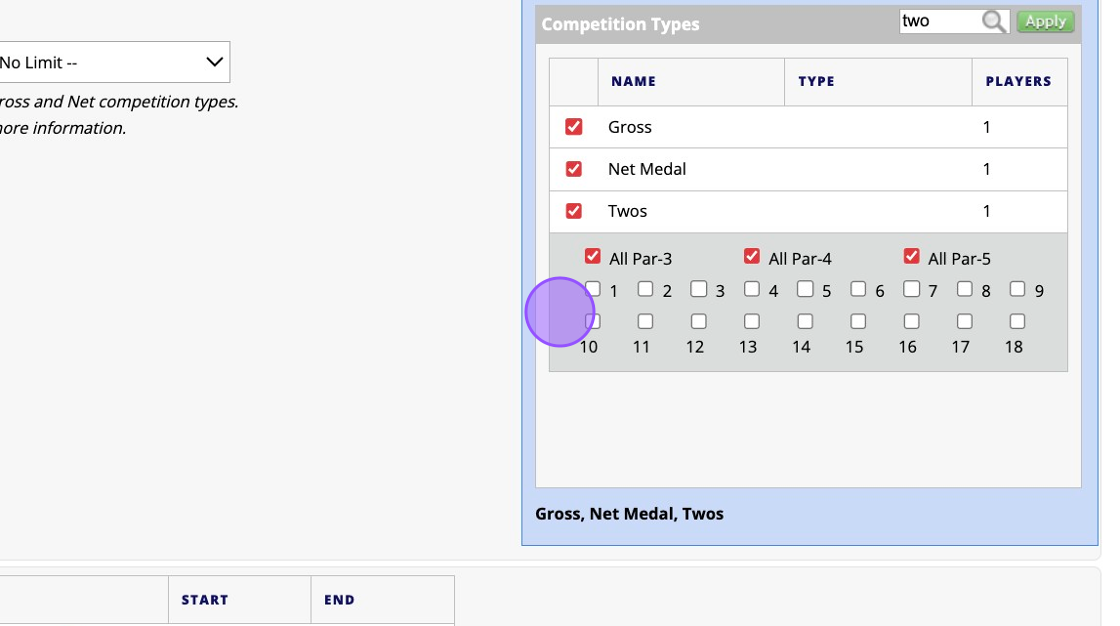
3. Click on the search bar and type "Two"
4. Click this checkbox to add in the Twos.
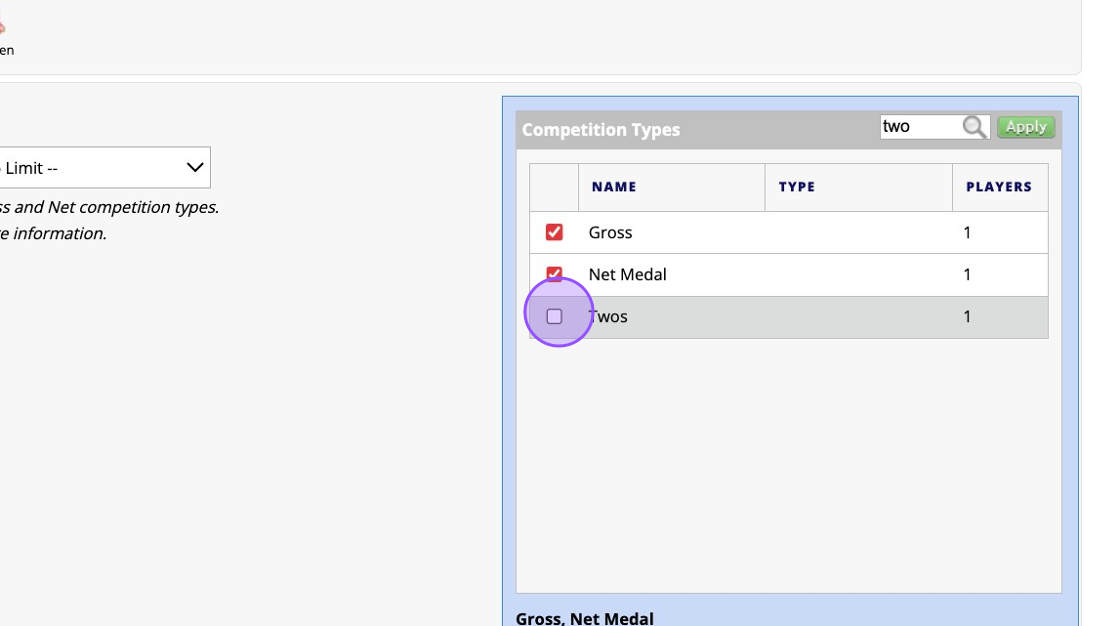
5. You'll then also get the option to customise this and remove any specific holes that don't qualify.
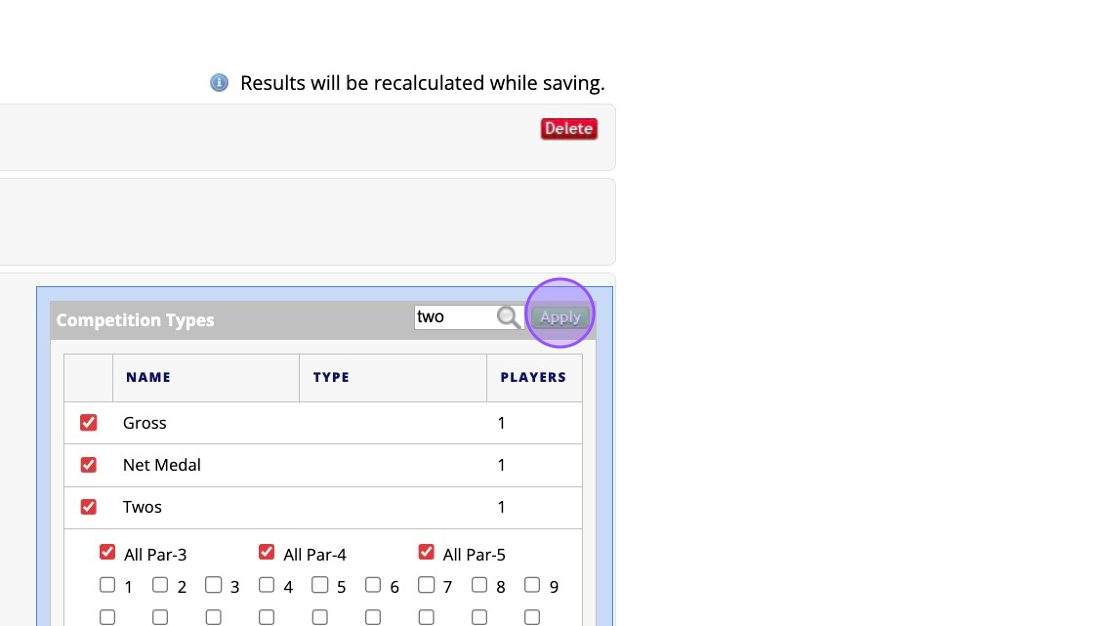
6. Click Apply when ready
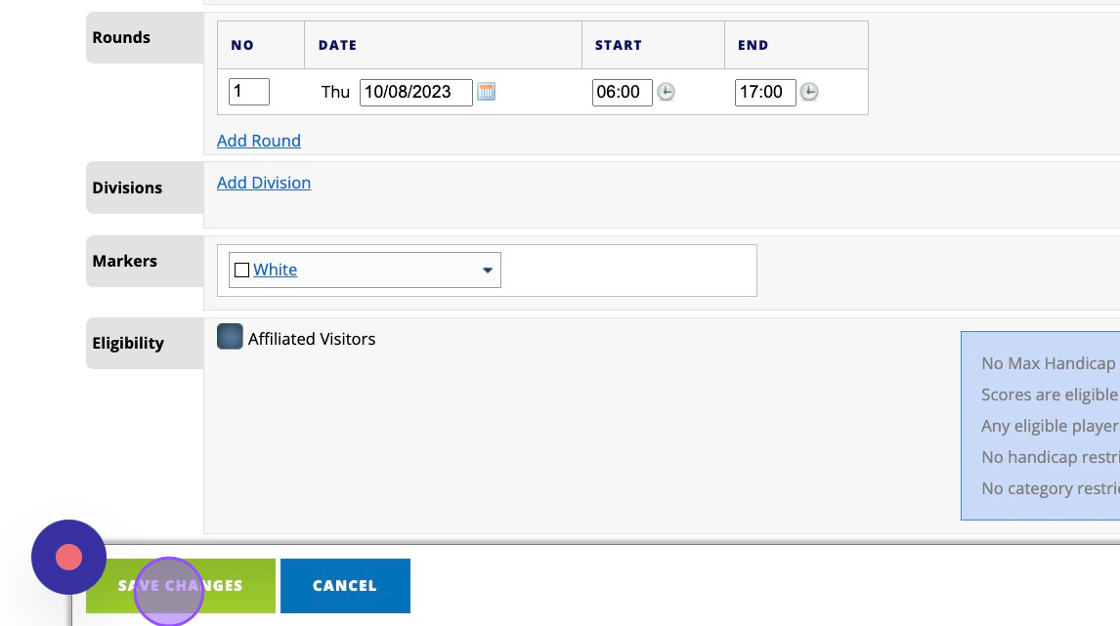
7. Click "SAVE CHANGES".
Tip: Tip! This can also be done retrospectively after a competition has been played if you need to generate a Two's report.